NOW BROADBAND VALUE FOR MONEY REVIEW
NOW Broadband value for money: How good is it?
NOW Broadband’s basic package doesn’t include much beyond the essentials. You get landline service and useful network security, but the standard router is dated, the better Wi-Fi costs extra and doing nothing after your contract ends can become very expensive.
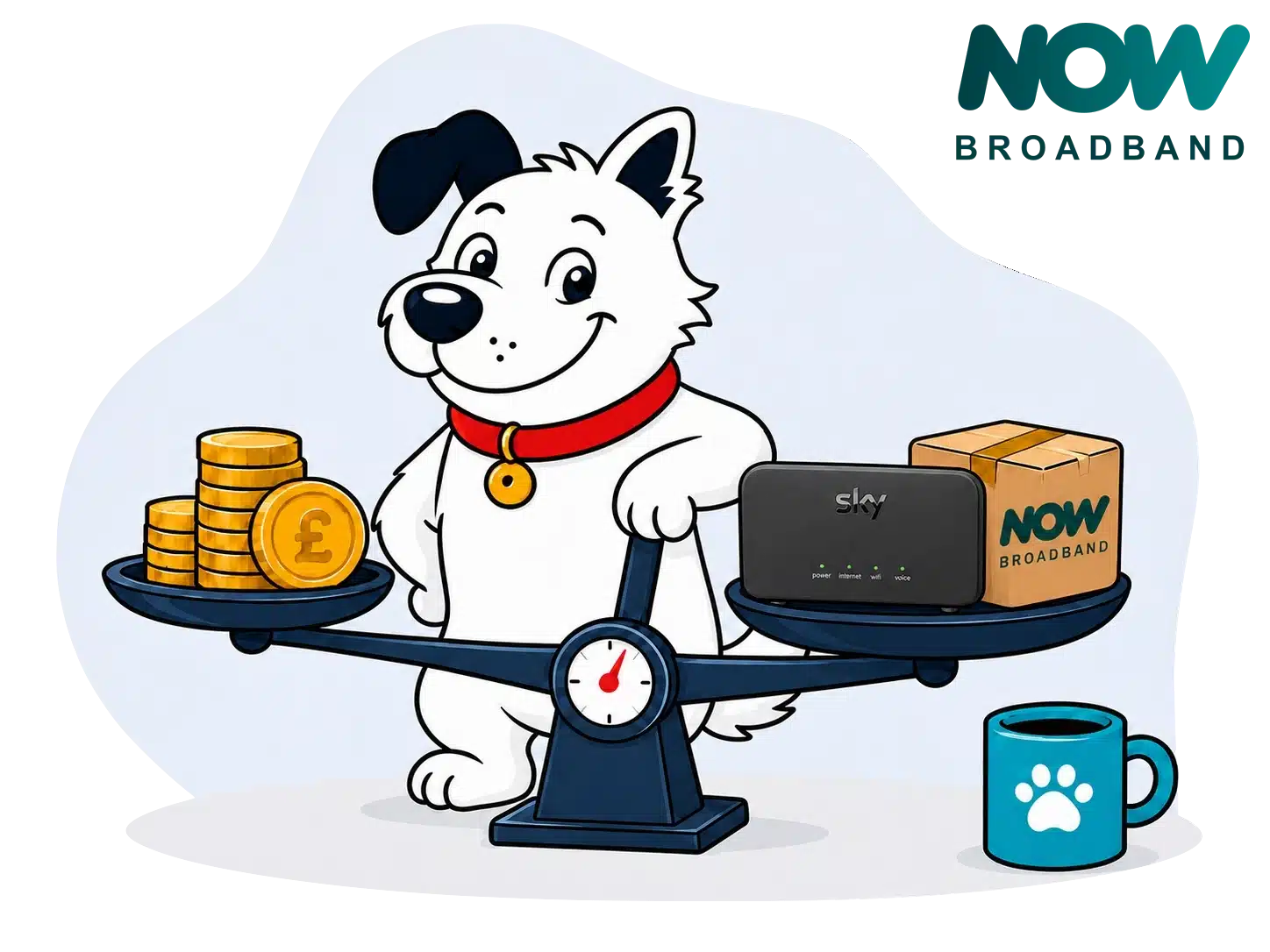
NOW Broadband Value for Money Scorecard
Six key areas. One overall score. All calculated using our transparent methodology.
What you get as standard
The features, equipment and services included as standard, before paid add-ons, premium tiers or optional upgrades are added.
Included router quality
How much value the included router adds to the package, including Wi-Fi standard, ports, coverage and overall hardware quality.
Annual price rises
How clearly annual price rises are explained, how predictable they are, and how much they add during the minimum term.
Cost of upgrades and extras
Which useful extras cost more, which are bundled in, and whether upgrades feel sensible or too easy to overspend on.
End-of-contract pricing
What happens when the minimum term ends, whether the price jumps, and how easy it is to avoid poor rollover value.
Service guarantees
The service guarantees, speed promises, compensation rules and fault protections that apply when the connection underperforms.
Fibredog Router Comparison Tool
Compare this provider’s routers with each other, or with any other national provider.
Fibredog Annual Price Rise Comparison
See how much each of these provider’s packages will go up every April and compare that to any other provider.
Fibredog Rollover Price Calculator
Tell us who you’re with and what you’re paying and we will tell you how much your price will go up when your contract ends.
Fibredog Speed Guarantees Test
Tell us who you’re with and we will check if they’re delivering you the minimum speed they promised.
Included router value
The standard Sky Broadband Hub is a capable match for NOW Broadband’s three speeds, with four Gigabit Ethernet ports, support for up to 64 devices and reliable everyday performance. It still uses Wi-Fi 5 and WPA2, while the more modern Sky Max Hub requires WiFi Max.
The standard hub is already behind the times
The Sky Broadband Hub covers the basics, but not much more
Every standard NOW Full Fibre package comes with the Sky Broadband Hub. It has dual-band Wi-Fi 5, eight internal antennas, four Gigabit Ethernet ports, parental controls and automatic updates. It can support up to 64 devices, which is enough for many homes, but the missing Wi-Fi 6, WPA3 and app controls make it feel dated.
WiFi Max is the real router upgrade
Adding WiFi Max replaces the standard hub with the Sky Max Hub. That brings Wi-Fi 6, WPA3, app management, device prioritisation and support for up to 120 devices. It is a clear improvement, but access to the better router depends on paying for a separate 24-month service rather than choosing it freely at signup.
The paid upgrade is much better
The Sky Max Hub is the router NOW Broadband should supply with every new Full Fibre service. It has Wi-Fi 6, better security, app controls, device priority and support for Sky Max Pods. It still lacks Wi-Fi 6E or Wi-Fi 7, a 6GHz band, guest Wi-Fi and multi-gigabit Ethernet, so it isn’t a cutting-edge premium router.
The standard hub will still handle browsing, streaming and everyday use in many homes, and both routers have four Gigabit Ethernet ports. Even so, putting such a wide gap between the included and paid equipment makes the standard package harder to defend as good value.
Sources: NOW Broadband
INTERACTIVE TOOL
Compare routers from any provider
This provider’s routers are pre-selected for comparison with one another. However, you can use this tool to compare any router from any major provider using the dropdown menus below.
| Feature | Sky Broadband Hub | Sky Max Hub |
|---|---|---|
| Fibredog rating | ||
| Router included as standard | Yes, supplied as standard with NOW Full Fibre 75, NOW Full Fibre 100 and NOW Full Fibre 300 | No, supplied when WiFi Max is added to an eligible NOW Full Fibre package |
| Router manufacturer | Sky CP Limited | Sky CP Limited |
| Router model | SR203 | SR213 / SR213A |
| Wi-Fi standard | Wi-Fi 5 | Wi-Fi 6 |
| Wi-Fi bands | Dual-band | Dual-band |
| 2.4GHz supported | ✓Yes | ✓Yes |
| 5GHz supported | ✓Yes | ✓Yes |
| 6GHz supported | ×No | ×No |
| Beamforming | ✓Yes | ✓Yes |
| Antenna count | 8 | 8 |
| Maximum connected devices | Up to 64 | Up to 120 |
| Stated coverage | Not stated | Whole-home coverage when used with WiFi Max and any required Sky Max Pods |
| Total Ethernet ports | 4 | 4 |
| MU-MIMO | ✓Yes | ✓Yes |
| OFDMA | ×No | ✓Yes |
| WPA3 security | ×No | ✓Yes |
| Guest network | ×No | ×No |
| Antenna type | Internal | Internal |
| Gigabit Ethernet ports | 4 | 4 |
| 2.5Gb Ethernet ports | 0 | 0 |
| 5Gb Ethernet ports | 0 | 0 |
| 10Gb Ethernet ports | 0 | 0 |
| WAN port speed | 1Gbps | 1Gbps |
| USB ports | 0 | 0 |
| Telephone ports | 2 | 2 |
| ONT Ethernet input | ✓Yes | ✓Yes |
| Coaxial input | ×No | ×No |
| Power connection | DC barrel connector / external power adapter | DC barrel connector / external power adapter |
| Mesh support | Open mesh standard | Provider mesh and some third-party systems |
| Provider mesh product | N/A | Sky Max Pods |
| Third-party router use | You can use your own router | You can use your own router |
| Modem mode | ×No | ×No |
| Compatible broadband technology | Standard Fibre and Full Fibre | Standard Fibre and Full Fibre |
| App management | ×No | ✓Yes |
| Parental controls | ✓Yes | ✓Yes |
| QoS | ×No | ×No |
| Automated QoS | ×No | ×No |
| Device prioritisation | ×No | ✓Yes |
| Anti-bufferbloat controls | ×No | ×No |
| Manual queue management (SQM/CAKE) | ×No | ×No |
| Smart channel selection | ✓Yes | ✓Yes |
| Security features | WPA2; built-in firewall; Sky Broadband Shield; automatic security and firmware updates | WPA2/WPA3; built-in firewall; Sky Broadband Shield; WiFi Max Advanced Security; malicious-site and phishing protection; security alerts and monitoring |
| Gamer mode | ×No | ×No |
| Game traffic prioritisation | ×No | ×No |
| Gaming QoS profiles | ×No | ×No |
| Server ping routing tools | ×No | ×No |
| Latency dashboards | ×No | ×No |
| Per-device gaming presets | ×No | ×No |
| Gaming VPN routing features | ×No | ×No |
| Work from home mode | ×No | ×No |
| Automatic firmware updates | ✓Yes | ✓Yes |
| Firmware update notes | Firmware is delivered and managed automatically by Sky; no supported manual firmware-update process | Firmware is installed and managed automatically by Sky; there is no supported manual firmware-update process |
| Router height | 165mm | 165mm |
| Router width | 255mm | 255mm |
| Router depth | 63mm | 63mm |
| Router weight | 1100g | 500g |
| Power consumption | 10W | 12W |
| Router orientation | Vertical | Vertical |
| Wall mountable | ×No | ×No |
| Router colour | Black | White |
| Self-installation | ✓Yes | ✓Yes |
| Browser admin interface | ✓Yes | ✓Yes |
| WPS | ✓Yes | ✓Yes |
| Status light control | ×No | ×No |
| Reset button | ✓Yes | ✓Yes |
| Wi-Fi on/off button | ×No | ×No |
| Where would you like to go next? | See all tools | See all tools |
| Compare all broadband deals | ||
How NOW Broadband decides which hub you receive
Standard packages
You get the Sky Broadband Hub.
It comes with Full Fibre 75, 100 and 300, regardless of the speed you choose.
Adding WiFi Max
You get the Sky Max Hub instead.
The add-on also brings app controls, device priority, Advanced Security and access to Sky Max Pods.
Want another router?
Use your own compatible router.
NOW Broadband supports replacing its hub, although you must enter the connection details yourself and keep the supplied equipment for fault checks.
Is NOW Broadband's included router good value?
Yes, for most homes. The Sky Broadband Hub has enough range, four Ethernet sockets and capacity for up to 64 devices, so it can comfortably handle ordinary use across NOW Broadband's current packages. Its age is the drawback: Wi-Fi 5 and WPA2 are now budget-level technology, while app controls and newer security require WiFi Max.
The Sky Max Hub is a far better proposition, but it changes the question. You are no longer judging an included router because the upgrade comes with an ongoing add-on and another 24-month commitment. If your home needs the extra coverage and controls, WiFi Max may still be worthwhile. If it doesn't, paying again merely to modernise the router is difficult to justify.
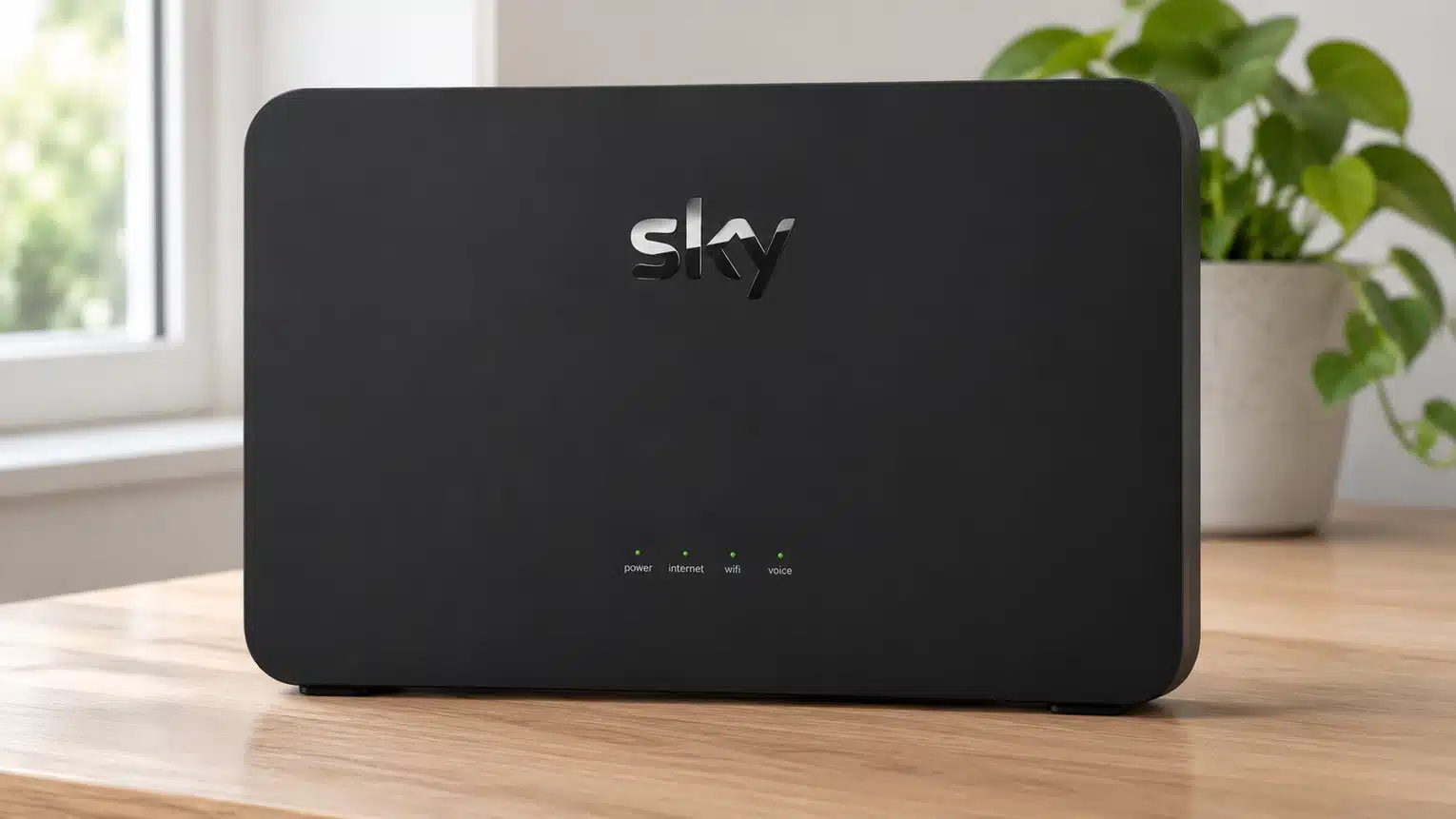
Router choice comes down to one paid decision
Every standard Full Fibre package includes the Sky Broadband Hub. Adding WiFi Max changes that to the Sky Max Hub, so the router choice is really a choice between the ordinary package and the paid Wi-Fi bundle.
Standard packages get the older hub
The Sky Broadband Hub is supplied with Full Fibre 75, 100 and 300 as standard.
It has Wi-Fi 5, WPA2, browser controls and four Gigabit Ethernet ports. There are no app controls or device priority.
WiFi Max supplies the better hub
The Sky Max Hub adds Wi-Fi 6, WPA3, app management and device prioritisation, with Max Pods available when they're needed.
The Sky Max Hub is better, but the 24-month add-on means the improvement isn't free for customers.
What to do before your NOW Broadband deal ends
-
Find the rollover price
Check your contract, account and end-of-contract notice for the standard monthly price.
-
Check the end date
Your account or original order confirmation should show when the 24-month minimum term finishes.
-
Set a reminder
Give yourself several weeks to compare rather than waiting for the provider's relatively late notice.
-
Compare alternatives
Check NOW Broadband's renewal offer against other providers at your address.
-
Act before rollover
Recontract, switch or cancel before the higher standard price begins.

You may be able to negotiate a better renewal
NOW Broadband supports online recontracting, so start by checking the offers in your account. If the available deal is disappointing, contact Sky and ask whether a better renewal is available before committing elsewhere.
Judge any saving across the whole new minimum term. A small monthly discount is less attractive if it ties you in for another 24 months or still leaves you paying more than a comparable rival.
Do not let the possibility of a discount push you past the contract end date. The safest approach is to compare early, decide what price would persuade you to stay and be ready to switch if NOW Broadband will not meet it.

How the service guarantees work in practice
Think of the protection as three separate layers.
Identify the problem
A slow line, a total outage and weak Wi-Fi are treated differently, so record what is failing and when.
Layer one: the broadband contract
Total loss of service is covered through automatic compensation rules, while NOW Broadband also records a 48-hour repair target. Delayed installation and missed engineer appointments can qualify too. Report the fault promptly, because compensation and repair clocks depend on the provider knowing there is a problem.
Layer two: the minimum-speed guarantee
Use the personalised minimum shown for your package and address. If wired speed stays below it for three consecutive days, report it and allow the 30-day fix period. A failure to restore the service can give you a penalty-free exit.
Layer three: the WiFi Max promise
WiFi Max promises at least 10Mbps in every room on the lower tiers and 25Mbps on the highest tier. NOW Broadband may troubleshoot, reposition equipment or supply up to three Max Pods. If it still cannot meet the promise, the remedy is money back on the add-on rather than cancellation of the broadband contract.
What this means
The standard service protects the connection reaching your hub and covers qualifying outages. WiFi Max extends protection around the home, but it is a separate paid promise with a different remedy.

Some links on this page may earn us a small commission if you click through and buy. This never affects either what you pay, or our scores and recommendations. If, however, you’d rather bypass affiliate links, use this direct NOW Broadband link instead.
