
PLUSNET ROUTERS AND EQUIPMENT REVIEW
Plusnet routers review: How good are they?
Plusnet offer just the one router no matter which package you choose: the Plusnet Hub Two. And to say it’s getting rather long in the tooth would be a bit of an understatement. Is it capable, though? Being old doesn’t always mean bad. Let’s take a look.


Having trouble choosing a broadband provider?
No single best provider or package exists – only the best pick for you personally. Fibredog’s YourMatch™ system uses thousands of provider metrics and a lot of maths to find you your perfect match.
Plusnet routers and equipment scorecard
Six key areas. One overall score. All calculated using our transparent methodology.
Wi-Fi quality
How good the standard routers’ Wi-Fi is in everyday use, looking at specifications, Wi-Fi bands/type, and how many devices they can support.
Wi-Fi range
How far the router’s Wi-Fi should reach around the home, with consideration given to local factors like large homes or thick walls.
Whole-home Wi-Fi
Whether the provider offers a mesh router system or extra help for larger homes, whether it’s good, and whether it’ll cost you extra.
Wired connectivity
How well the router supports Ethernet and wired devices, looking at number of ports, their speeds, and how accessible they are.
Router controls
How much control you get through the app, admin page and any controls you might have on the router itself.
Using your own router
How easily you can use your own third-party router or mesh hardware – whether you can use anything you like or if it’s limited in any way.
Fibredog Router Comparison Tool
Compare this provider's routers with each other, or with any other national provider.
Fibredog Router Range Estimator
Provides a visual mock-up of how Wi-Fi is likely to behave in your home with this provider's routers.
Fibredog Whole Home Wi-Fi Calculator
Calculates whether you need additional mesh routers, how many, and even where you should put them.
Wi-Fi quality
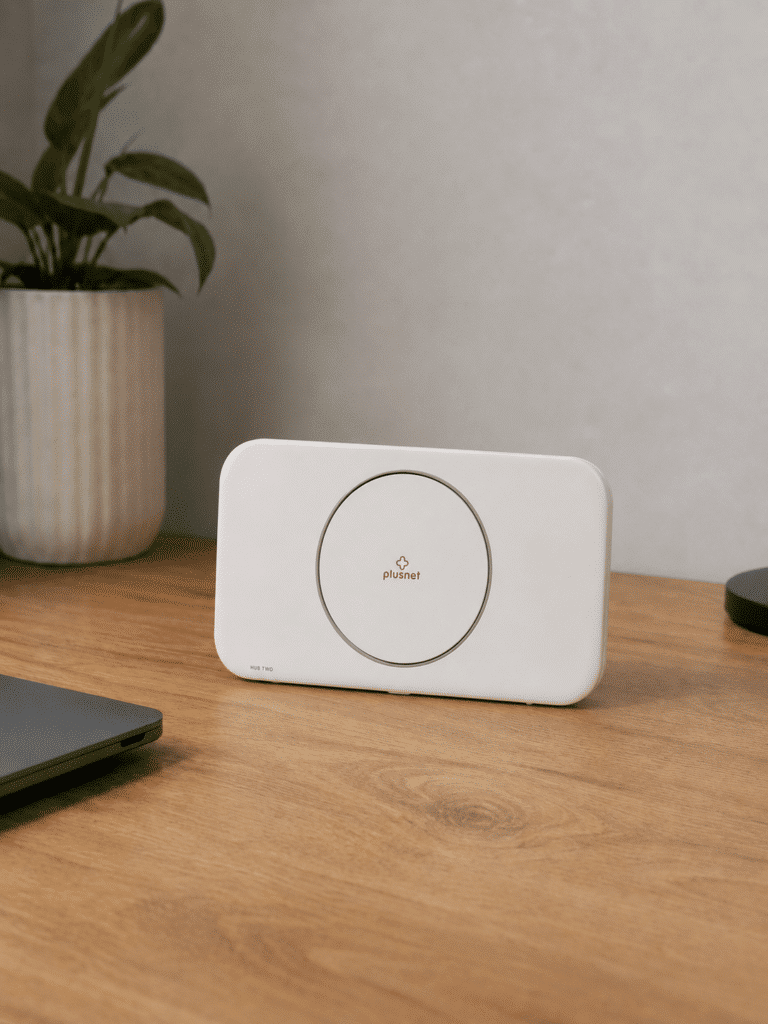
Plusnet keeps things simple, although not in a good way. Every Full Fibre package comes with the same ageing Hub Two, including its 900Mbps service. It’s a respectable Wi-Fi 5 router underneath, but there’s no newer model, premium upgrade or supported mesh system if you need something better.
Key differences
One router covers every package
Whether you choose Full Fibre 74 or Full Fibre 900, Plusnet sends you the Hub Two. That’s convenient for Plusnet, but it means paying for a faster connection doesn’t get you more capable Wi-Fi hardware.
There’s decent hardware underneath
Seven internal antennas, beamforming and a 4x4 5GHz radio make the Hub Two better than its age might suggest. It should cope with an ordinary household reasonably well, but those features can’t turn Wi-Fi 5 into a modern wireless standard.
Plusnet gives you no upgrade route
There’s no premium Plusnet router, provider-managed mesh system, whole-home Wi-Fi add-on or coverage guarantee. If the Hub Two can’t reach every room, you’ll need to buy and configure third-party equipment yourself.
Full Fibre 900 shows up its age
Pairing an old Wi-Fi 5 router with a 900Mbps package is difficult to defend in 2026. The Hub Two also lacks WPA3 and multi-gigabit Ethernet, while its WAN connection leaves Full Fibre customers with three usable Gigabit LAN ports.
Sources: Plusnet, Arcadyan Technology
INTERACTIVE TOOL
Compare routers from any provider
This provider’s routers are pre-selected for comparison with one another. However, you can use this tool to compare any router from any major provider using the dropdown menus below.
| Feature | Choose router | Choose router |
|---|---|---|
| Fibredog rating | — | — |
| Router included as standard | — | — |
| Router manufacturer | — | — |
| Router model | — | — |
| Wi-Fi standard | — | — |
| Wi-Fi bands | — | — |
| 2.4GHz supported | — | — |
| 5GHz supported | — | — |
| 6GHz supported | — | — |
| Beamforming | — | — |
| Antenna count | — | — |
| Maximum connected devices | — | — |
| Stated coverage | — | — |
| Total Ethernet ports | — | — |
| MU-MIMO | — | — |
| OFDMA | — | — |
| WPA3 security | — | — |
| Guest network | — | — |
| Antenna type | — | — |
| Gigabit Ethernet ports | — | — |
| 2.5Gb Ethernet ports | — | — |
| 5Gb Ethernet ports | — | — |
| 10Gb Ethernet ports | — | — |
| WAN port speed | — | — |
| USB ports | — | — |
| Telephone ports | — | — |
| ONT Ethernet input | — | — |
| Coaxial input | — | — |
| Power connection | — | — |
| Mesh support | — | — |
| Provider mesh product | — | — |
| Third-party router use | — | — |
| Modem mode | — | — |
| Compatible broadband technology | — | — |
| App management | — | — |
| Parental controls | — | — |
| QoS | — | — |
| Automated QoS | — | — |
| Device prioritisation | — | — |
| Anti-bufferbloat controls | — | — |
| Manual queue management (SQM/CAKE) | — | — |
| Smart channel selection | — | — |
| Security features | — | — |
| Gamer mode | — | — |
| Game traffic prioritisation | — | — |
| Gaming QoS profiles | — | — |
| Server ping routing tools | — | — |
| Latency dashboards | — | — |
| Per-device gaming presets | — | — |
| Gaming VPN routing features | — | — |
| Work from home mode | — | — |
| Automatic firmware updates | — | — |
| Firmware update notes | — | — |
| Router height | — | — |
| Router width | — | — |
| Router depth | — | — |
| Router weight | — | — |
| Power consumption | — | — |
| Router orientation | — | — |
| Wall mountable | — | — |
| Router colour | — | — |
| Self-installation | — | — |
| Browser admin interface | — | — |
| WPS | — | — |
| Status light control | — | — |
| Reset button | — | — |
| Wi-Fi on/off button | — | — |
| Where would you like to go next? | See all tools | See all tools |
Which Plusnet router do you get?
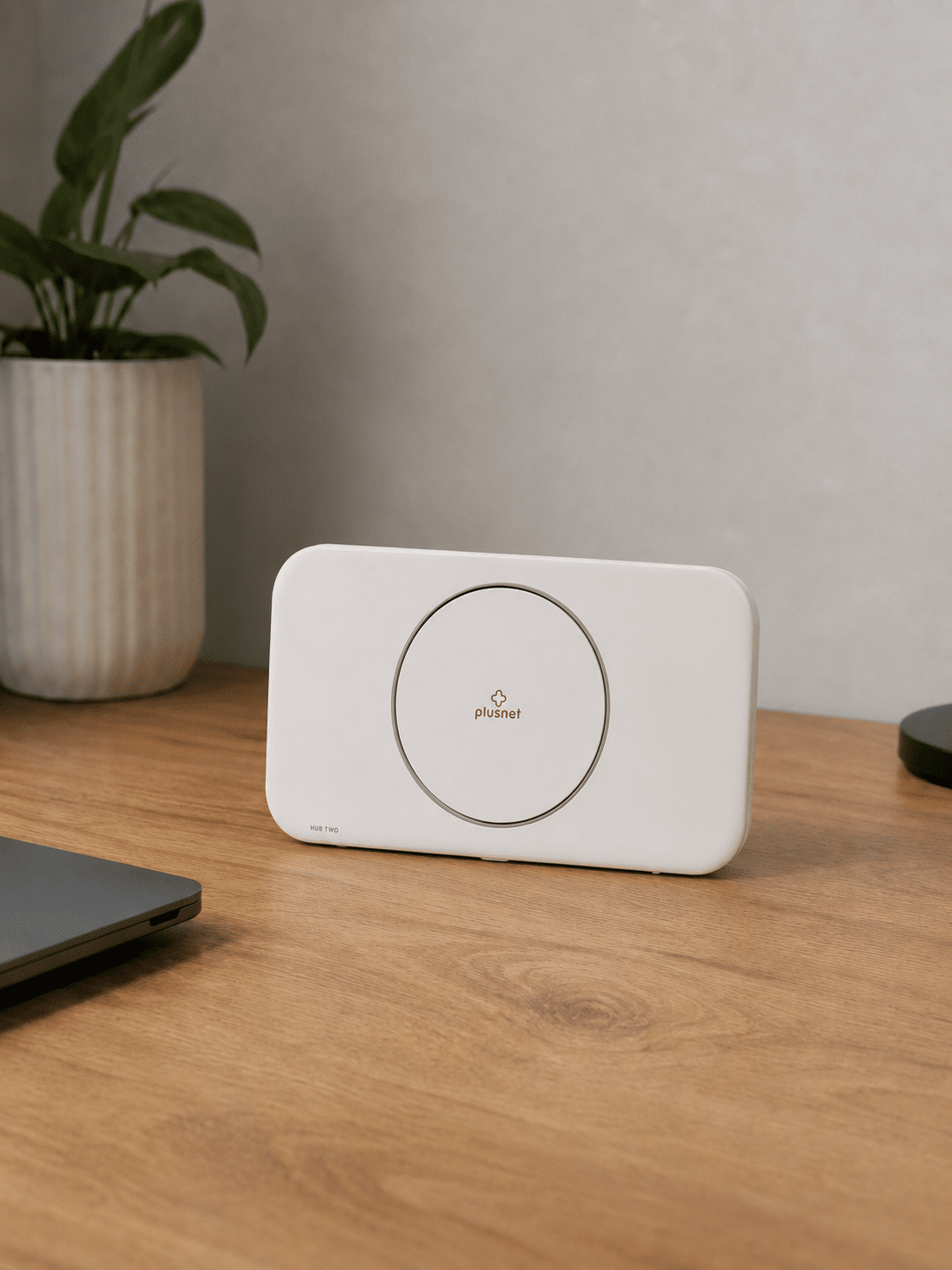
Plusnet Hub Two
Included across Plusnet's current Fibre and Full Fibre range.
It is a dual-band Wi-Fi 5 router with Gigabit Ethernet, beamforming and a strong 4x4 radio on the 5GHz band.
No router upgrade
Even the 900Mbps package receives the same Hub Two.
Plusnet offers no newer premium router, app-managed replacement or package-specific equipment upgrade.
Third-party equipment
Customers must provide their own upgrade for newer Wi-Fi or mesh coverage.
On Full Fibre, a compatible third-party router can replace the Hub Two and connect directly to the Openreach ONT.
A once-capable router Plusnet should have replaced some time ago
The Hub Two isn’t a complete disaster. Its seven internal antennas, beamforming and 4x4 5GHz radio give it more substance than the average bargain-bin router. In a modest home with a fairly ordinary collection of devices, it may do everything you need without much fuss.
The trouble is that it’s still built around Wi-Fi 5. You don’t get the improved efficiency of Wi-Fi 6, support for the 6GHz band or WPA3 security. Those omissions become harder to overlook as you add more phones, laptops, televisions and smart-home devices to the network.
They look particularly ungainly alongside Full Fibre 900. A fast connection can only do so much if your wireless hardware struggles to distribute that speed around the home. Wired users get Gigabit Ethernet, although the Full Fibre connection occupies one of the Hub Two’s four ports and leaves three available for other equipment.
The absence of an upgrade path is the bigger problem. Plusnet doesn’t offer a better router, supported mesh kit, whole-home Wi-Fi service or coverage guarantee. You can replace the Hub Two with compatible third-party equipment on Full Fibre, but you’ll have to choose, buy and configure it yourself. A budget broadband package can be inexpensive without saddling every customer with dated hardware.
INTERACTIVE TOOL
Router range estimator
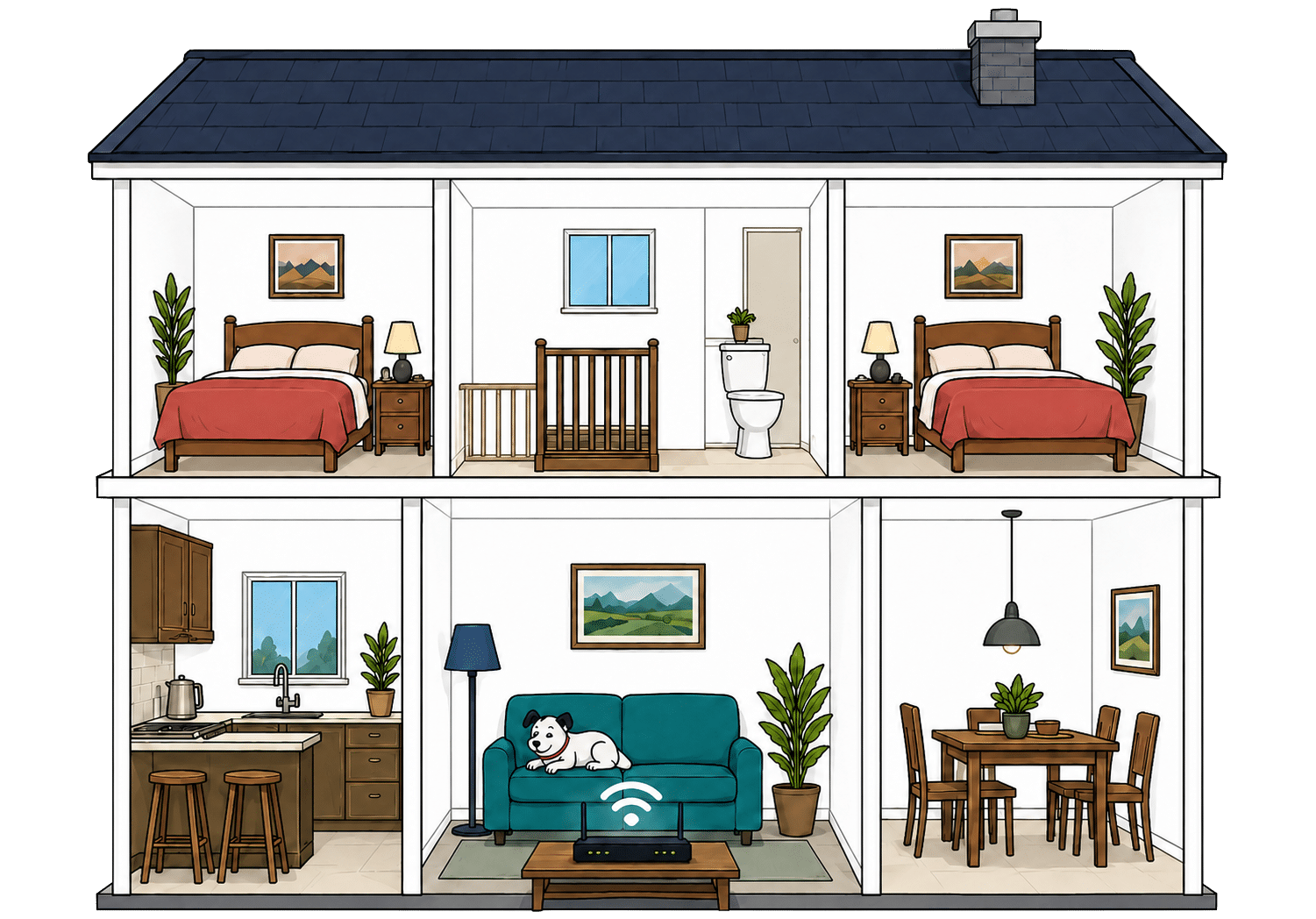
See how wall materials and router choice affect the quality of Wi-Fi around a typical home.
Where would you like to go next?
How to use the Router Range Estimator
It’s pretty straightforward. Select the router from this provider, and the main construction materials of your internal walls. It’s important to remember, though, that this is just an estimator.
It can give you a rough idea, but local factors like neighbouring network interference or mixed material wall set-ups can mean the results vary considerably from the estimate. It’s meant to give you a rule of thumb and only that.
How to maximise your Plusnet router's range
-
Start with placement
Put the Plusnet Hub Two near the middle of your home if you can, out in the open and away from thick walls or cupboards.
-
Test every room
Run a speed test where you actually use Wi-Fi. Our Whole Home Wi-Fi Calculator further down this page is built for exactly that.
-
Check the Hub Manager
Plusnet has no customer app, so use the Hub Manager, My Account and room-by-room speed tests to check the connection and connected devices.
-
Move obvious blockers
Keep the hub away from TVs, mirrors, metal objects, appliances and anything that boxes it in. Give the signal space to leave the router.
-
Add your own mesh system
Plusnet offers no whole-home add-on. If rooms still struggle, use third-party mesh equipment or replace the Hub Two with a compatible router.

Faster Wi-Fi has shorter legs
Wi-Fi behaves exactly like sound. Ever notice how you hear the bass, meaning the low frequencies, a few rooms away, but can't hear the treble? It's the same here. The higher the frequency, the more detail there is in the signal, but lower frequencies make it through far more walls.
That's the difference between Wi-Fi bands. 2.4GHz is the slow old workhorse. It isn't glamorous or especially quick, but it's better at reaching the awkward room at the back. 5GHz is faster and better for streaming, gaming and newer devices, but it gives up sooner as you move away from the router.
The Plusnet Hub Two uses dual-band Wi-Fi 5. Its 2.4GHz radio provides the better reach while 5GHz handles faster nearby connections. Plusnet offers no newer router, 6GHz band or provider-managed mesh system, so difficult rooms require third-party equipment.
Having trouble choosing a broadband provider?
No single best provider or package exists – only the best pick for you personally. Fibredog's YourMatch™ system uses thousands of provider metrics and a lot of maths to find you your perfect match.
Wired connectivity
The Plusnet Hub Two gives you three sockets for plugging devices directly into the router. They’re fast enough for every Plusnet package, including Full Fibre 900, and should cover the essentials in most homes. The only real limitation is that Plusnet offers nothing faster for people with more demanding home networks.
Four sockets become three on Full Fibre
The Hub Two has four Gigabit Ethernet sockets, but one connects the router to the Full Fibre equipment installed in your home. That leaves three available for your television, games console, computer or anything else that benefits from a cable.
Three should be enough for many homes. If you need more, you can add an Ethernet switch to create additional connections, although that means buying and powering another piece of equipment.
The sockets are fast enough for every package
Each available socket can handle speeds of up to 1Gbps. That’s enough to carry the full speed of Plusnet’s fastest 900Mbps package to one compatible device, so the wired connections don’t hold back any broadband package Plusnet currently sells.
You’re also unlikely to find an ordinary home device that needs anything faster. A wired television, console or work computer will have far more capacity than most everyday tasks require.
How a simple wired Plusnet network works
Plugging devices directly into your router gives them a steadier connection than Wi-Fi. These router diagrams show the physical Ethernet ports, including any ONT or internet port used by the broadband connection itself.
Check which port is the internet input before counting how many wired device ports you have spare.
Use the fastest spare LAN port for the device or switch that needs the most speed.
Advanced home networks hit the ceiling
The Hub Two has no faster socket for high-end computers, network storage or moving very large files between devices. Every wired connection tops out at 1Gbps.
That won’t matter to most people, and it doesn’t limit Plusnet’s broadband speeds. It only becomes relevant if you’ve built a more advanced home network and want devices inside it to communicate faster than your internet connection.
For ordinary use, Plusnet gets the basics right. Plug in the devices that need the steadiest connection, such as a games console or work computer, and leave phones, tablets and less demanding equipment on Wi-Fi.
How to make best use of your Plusnet router's LAN ports
-
Count the usable ports
On Full Fibre, the Hub Two uses one of its four Gigabit Ethernet sockets for the ONT, leaving three LAN ports for your devices.
-
Gigabit covers Full Fibre 900
A Gigabit Ethernet port can carry Plusnet's Full Fibre 900 service once normal networking overheads are allowed for.
-
No multi-gigabit LAN port
The Hub Two has no 2.5Gbps or 10Gbps socket, but that does not bottleneck Plusnet's current packages, which top out at 900Mbps.
-
Wire the devices that care
Gaming PCs, consoles, work computers and network storage benefit most. TVs and printers can wait their turn for a wired port.
-
Add a switch if needed
If three usable sockets aren't enough, add a Gigabit Ethernet switch. It gives you more ports, not more speed per port.
What changes when you use your own router?
Your compatible router connects to the Openreach ONT and replaces the supplied Plusnet Hub Two. It then becomes responsible for the home network and the features Plusnet's equipment previously provided.
Hands the connection to your router
The ONT is the wall box where the Full Fibre connection arrives. It remains in place and provides the Ethernet hand-off.
Your own router connects to it through a compatible WAN port instead of the supplied Hub Two.
Takes over Wi-Fi and settings
Your router handles Wi-Fi, wired devices, guest access and whichever VPN, DNS, firewall or traffic controls it provides.
You also become responsible for compatibility, setup and router faults. Keep the Hub Two available in case Plusnet asks you to reconnect it for diagnosis.
Having trouble choosing a broadband provider?
No single best provider or package exists – only the best pick for you personally. Fibredog's YourMatch™ system uses thousands of provider metrics and a lot of maths to find you your perfect match.
Some links on this page may earn us a small commission if you click through and buy. This never affects either what you pay, or our scores and recommendations. If, however, you’d rather bypass affiliate links, use this direct Plusnet link instead.
