HEY!BROADBAND JOIN, SWITCH, CANCEL REVIEW

Hey!Broadband – join, switch or cancel: How easy is it?

Hey!Broadband is exceptionally easy to join and gives you several ways to order. Switching can be rewarding too. Installation protection is poor, though, and moving home can become painfully expensive. We’ll show you where the process is genuinely easy and where you need to protect yourself.
By Data checked  Checked weekly
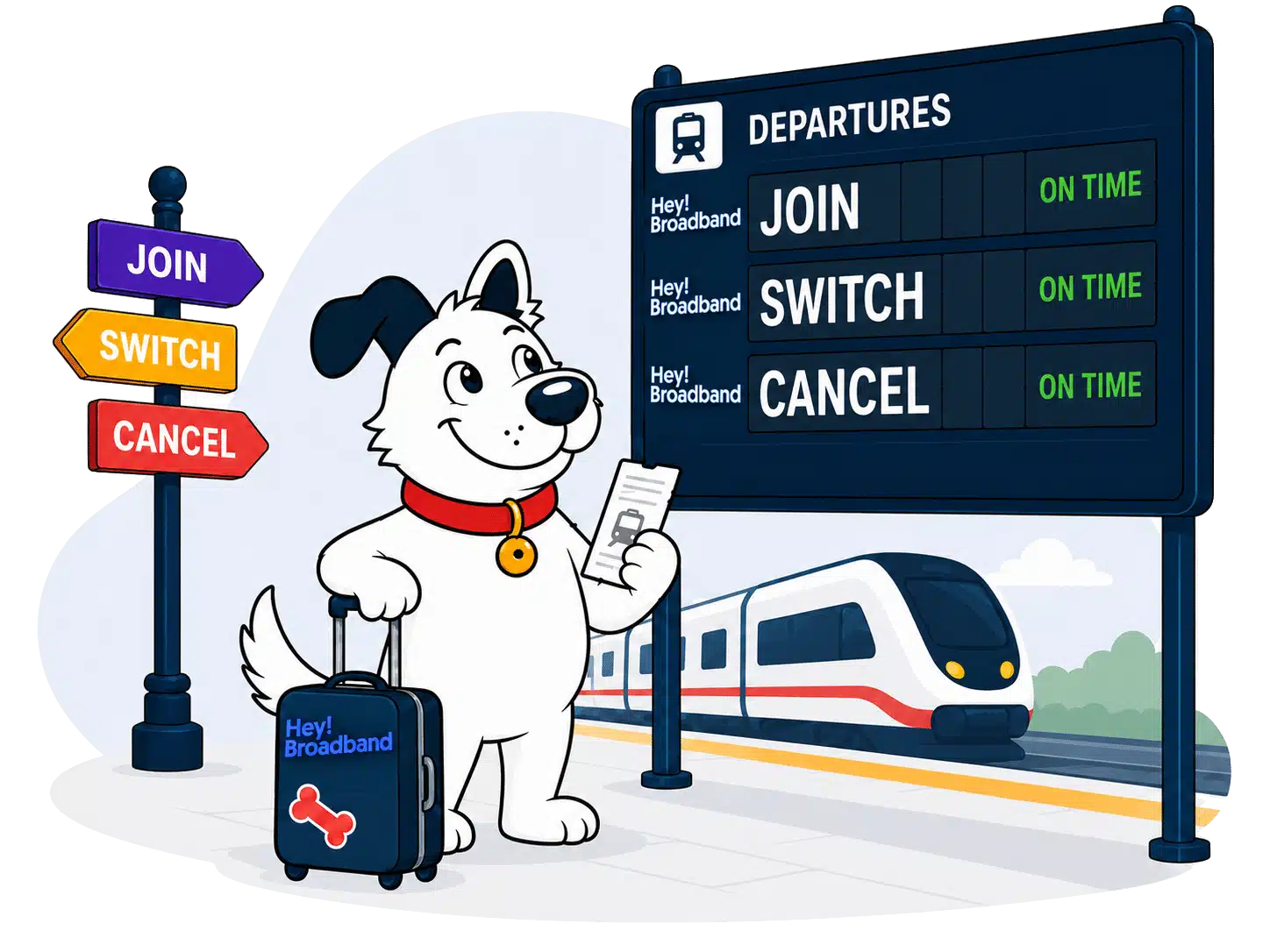
Hey!Broadband join, switch and cancel hero with FibreDog at a railway departures board

Hey!Broadband join, switch, cancel scorecard

Six key areas. One overall score. All calculated using our transparent methodology.

Ease of joining

How simple it is to sign up, including online ordering, phone support, contact routes and whether the process feels straightforward.

9.0/10

Credit checks and eligibility

How eligibility works, including credit checks, social tariffs, affordability barriers and whether customers have clear alternatives.

5.8/10

Installation problems and compensation

What protection exists when installation goes wrong, including delays, missed appointments, compensation and how clearly problems are handled.

3.5/10

Switching from another provider

How easy it is to switch from another provider, including switching support, number porting, bill credits and avoidable disruption.

7.1/10

Moving home

How moving home is handled, including transfer options, availability checks, fees and what happens if service cannot continue.

4.5/10

Cancelling your service

How cleanly customers can leave, including cancellation routes, notice periods, early exit fees and equipment return requirements.

5.7/10

Ease of joining

Joining Hey!Broadband is about as easy as broadband ordering gets. The postcode checker starts the process, and you can then choose a package and place the order online. Phone, callback and Live Chat are also available if you’d rather speak to someone. Your address still has to pass the availability and installation checks, but you aren’t forced into a sales call simply to place an order.

Your address decides whether the journey can begin

Hey!Broadband is a local Full Fibre network, so the postcode checker isn’t a formality. It tells you whether the network reaches your address before you spend time choosing between the three packages.

Use the address checker before comparing speeds or extras. A nearby street can have Hey!Broadband while yours doesn’t, and a positive postcode result can still be followed by a survey or installation check. That doesn’t make the checker unreliable. It means the first result confirms the network area, while the later checks confirm that a safe, workable route into your particular home exists.

The whole order can stay online

Once your address passes the first check, you can choose a package and complete the entire order online. The price, contract terms and any extras remain visible, making it easier to check exactly what you’re agreeing to.

Hey!Broadband tells you that a credit check forms part of the order, and a failed check can stop it. What it doesn’t tell you is whether the search is hard or soft. If that distinction is important because you’re applying for other credit, ask before submitting the order. There’s no published no-credit-check package to fall back on, including Everyday Fibre.

You can get human help without losing your online choice

You can also order by phone, ask for a callback or use sales Live Chat. That’s an unusually complete set of choices for a local provider.

Choose whichever route makes the deal easiest to understand. You don’t have to call to place a standard order, so you can keep everything online or ask someone to explain the installation, landline or switch before you commit.

Installation still has to be practical at your home

An accepted order isn’t an absolute promise that Hey!Broadband can install the line. The provider can still stop if a survey finds a technical, safety or practical problem. If the failure is Hey!Broadband’s responsibility, the normal outcome is a refund of what you’ve paid.

You can still be charged when the problem comes from inaccurate information, refused bespoke work or preparatory work that has already been completed. Tell Hey!Broadband about access problems, landlord restrictions or an unusual cable route before the engineer arrives. Surprises on installation day are where an otherwise excellent ordering process can become expensive and slow.

INTERACTIVE TOOL

Which Hey!Broadband speed is right for me?

Tell us about your household and we will tell you the exact best-fit broadband package from Hey!Broadband.

Start here. Adjust the numbers, then calculate your result.

Step 1: Tell us what is in your home

Use the buttons below to tell us how many people and connected devices your household has.

People
0
TVs
0
Consoles / gaming PCs
0
Non-gaming computers
0
Mobiles
0
Smart devices
0

Step 2: Calculate your best-fit package

Once you are happy with the numbers above, press calculate and we will match your household to the closest Hey!Broadband package.

Your result

Recommended package — Estimated need: — Includes — headroom
Good fit

This speed is ideal for:

    The order confirmation and any agreed installation quote are your clearest record of what Hey!Broadband promised and what you accepted.

    Illustration of Fibo checking the steps for joining

    How to join Hey!Broadband without creating avoidable problems when installation day arrives

    1. Start with your exact address

      Confirm that Hey!Broadband reaches the exact address. Don’t rely on coverage at a neighbour’s home or elsewhere in the postcode.

    2. Choose for the home you have

      Pick between 150Mbps, 400Mbps and 900Mbps by what your home does at once, not by assuming the largest number is automatically best.

    3. Read every term before agreeing

      Check the minimum term, annual price rise, installation details and any paid extras while the full order remains visible on screen.

    4. Ask while choices remain open

      Use Live Chat, callback or phone sales before ordering if the landline, installation route or WiFi Pro changes what you need.

    5. Prepare the property, not just yourself

      Get any landlord permission, mention blocked access and agree bespoke work before the appointment. Customer-caused installation failure can leave you paying costs.
    Hey!Broadband gives you an excellent choice of ways to join. You can check the address, choose a package and place the order online without making a phone call. If you want help, phone sales, callback and Live Chat are all available rather than one token contact route. The provider also discloses the credit check before the order is accepted. Availability, credit and installation checks still apply, but those are brief conditions on an ordering process that is unusually flexible and easy to follow.

    9.0 /10
    Overall score

    Ease of joining score

    This score looks at how easy a provider makes it for you to start an order, choose the route that suits you, and get help before you commit.

    Credit checks and eligibility

    Hey!Broadband runs a credit check before accepting you, but it doesn’t say whether the search is hard or soft. A failed check can stop the order, and there’s no published route that swaps a rejection for a deposit, advance payment or lower credit limit. Everyday Fibre doesn’t bypass the check either. This is less transparent and less forgiving than it should be, even though the check is disclosed before you commit.

    How Hey!Broadband decides whether it will accept your order

    First, your exact address has to qualify

    The postcode checker confirms whether Hey!Broadband reaches your address and which packages are available there.

    A positive coverage result isn’t the final acceptance. Hey!Broadband can still refuse an installation after checking the property, the proposed cable route or safety.

    Then you choose a package and provide your details

    You select the package and extras, then give Hey!Broadband the personal and payment details needed to assess the order.

    The checkout warns you that a credit check will happen. That gives you a chance to stop before submitting if you don’t want the search.

    The credit check still comes with one very important unknown

    Hey!Broadband can consult credit-reference and fraud-prevention agencies before deciding whether it will supply the service.

    It doesn’t identify the search as hard or soft. Ask before applying if another loan, mortgage or credit application makes that distinction important.

    Passing the check keeps your broadband order moving

    If you pass the check, Hey!Broadband carries on with the installation and activation stages.

    The optional phone service can have a spending limit for chargeable calls. That isn’t the same thing as a broadband credit limit.

    If the credit check causes trouble, Hey!Broadband offers no softer route

    Hey!Broadband can reject the order after the credit assessment, and it doesn’t promise to replace rejection with a security deposit or advance payment.

    There’s no separate no-credit-check broadband package anywhere in the published range.

    Everyday Fibre is still worth checking if you qualify for the social tariff, but eligibility and credit acceptance are separate decisions. Receiving a qualifying benefit doesn’t guarantee that Hey!Broadband will accept the broadband order.

    The check is disclosed, but its footprint isn’t

    Hey!Broadband is upfront that it can use credit-reference and fraud-prevention agencies before supplying you. That warning is useful because it appears before the order is accepted, giving you a chance to pause rather than discovering the search afterwards.

    What’s missing is the type of search. Hey!Broadband doesn’t publish whether it uses a hard search, which other lenders can see, or a soft search, which normally stays visible only to you. We’d ask before applying if you’re protecting your credit file for another important application.

    If you fail the credit check, there’s no published fallback

    Some providers may use a deposit, advance payment or restricted service when a credit check causes concern. Hey!Broadband publishes no such fallback. It can simply refuse to supply you, and there’s no no-credit-check package elsewhere in its ordinary broadband range. The absence of a published route doesn’t prove an adviser can never help, but you shouldn’t plan around an exception that isn’t promised.

    The credit limit mentioned in Hey!Broadband’s terms covers chargeable calls on the optional phone service. It isn’t a route for limiting broadband risk after a failed check, so don’t confuse the two.

    Everyday Fibre doesn’t skip the credit check

    Everyday Fibre is Hey!Broadband’s social tariff for eligible households, and it can reduce the ongoing cost if you qualify.

    It doesn’t provide a published no-credit-check route. Hey!Broadband can still assess the separate order and reject it after the credit check, even when you meet the social-tariff rules. Check eligibility first, but don’t treat qualifying for Everyday Fibre as guaranteed acceptance for the service.

    Everyday Fibre is Hey!Broadband’s lower-cost social tariff

    Hey!Broadband offers Everyday Fibre to eligible households that need a lower-cost connection. You still need a covered address and an accepted order.

    What you need to confirm

    Your current eligibility

    Ask Hey!Broadband which benefits or circumstances qualify today rather than relying on an old list from elsewhere.

    Your exact address

    Everyday Fibre still depends on Hey!Broadband serving the home you want connected.

    The required evidence

    Hey!Broadband tells you exactly which supporting documents it needs.

    The credit check

    Qualifying for the social tariff doesn’t remove Hey!Broadband’s separate right to assess and reject the order.

    The complete contract terms

    Read the minimum term, price-rise and cancellation details before accepting the tariff.

    Before you apply

    Apply directly through Hey!Broadband

    Use Hey!Broadband’s current Everyday Fibre application route so the provider can check both the address and your eligibility.

    Order acceptance remains separate

    Eligibility can open the social-tariff application, but Hey!Broadband still decides whether it will supply the broadband order.

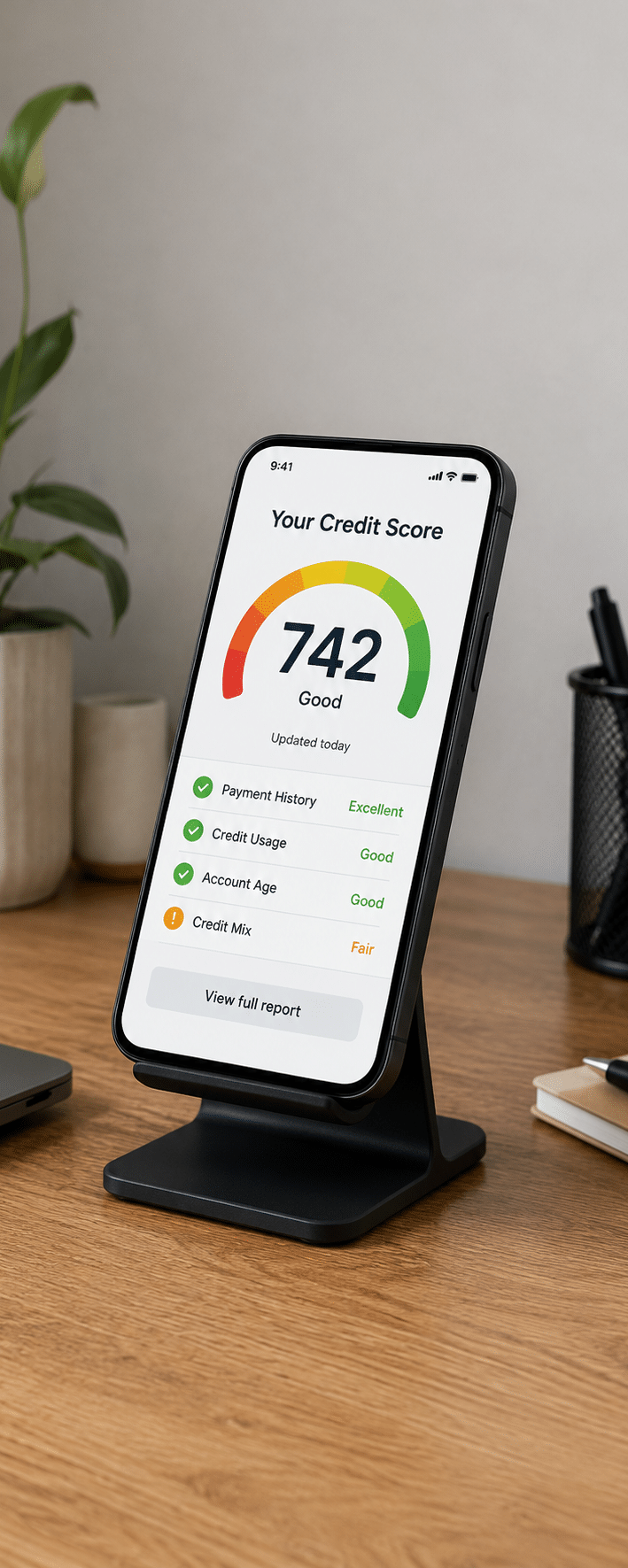
    Photograph of a smartphone displaying a credit score of 742

    Hey!Broadband won’t tell you which kind of credit search it uses

    A routine credit check isn’t automatically alarming. The difficulty is that Hey!Broadband won’t tell you whether this one is hard or soft, while retaining the right to refuse the order.

    The good bit

    Pass the check and your order continues

    If Hey!Broadband accepts you, the order continues. It doesn’t publish a rule that accepted applicants must pay in advance or provide a security deposit.

    Any phone-service spending limit concerns chargeable calls only, not your core broadband access or whether the main order is accepted.

    The bad bit

    A failed credit assessment can stop the order completely

    Hey!Broadband publishes no deposit-backed or no-credit-check broadband route at all for someone who fails its initial assessment.

    Don’t repeatedly submit applications hoping for a different result. Ask what happened, check your credit files for errors and discuss any available route directly.

    Hey!Broadband explains before checkout that a credit check can decide whether it accepts the order. That’s useful, but the clarity ends there. The provider doesn’t say whether the search is hard or soft, and a failed assessment has no published fallback through a deposit, advance payment or no-credit-check package. Everyday Fibre doesn’t provide an exemption either. You may pass without difficulty, but anyone worried about their credit file or previous rejection gets too little information and too few alternatives.

    5.8 /10
    Overall score

    Credit checks and eligibility score

    This score looks at how clear and forgiving a provider is if your credit history might affect whether you can sign up or not, as well as whether they offer a social tariff to those on benefits.

    Installation and compensation

    Installation is where Hey!Broadband’s protections fall badly behind its easy ordering process. There’s no automatic compensation for a delayed start or missed appointment. A provider-caused failure normally brings a refund, but you can still pay for completed work or a problem you caused. The wording makes responsibility for the failure crucial.

    A failed installation can still leave a bill

    Hey!Broadband can cancel the order when a survey or engineer finds that the work is unsafe, technically impossible or impractical. If the reason is on Hey!Broadband’s side and you didn’t cause it, the normal outcome is a refund of the money you’ve paid.

    That protection doesn’t make every failed installation free. Incorrect information about the property, refusal of separately quoted work or preparatory work already completed can leave charges behind. Tell Hey!Broadband about access, permission and cabling difficulties before work begins, and keep any quote you accept. The final question isn’t simply whether the line went live. It’s who caused the failure and what work had already been done.

    Permission is your problem to solve first

    If you rent, live in a managed building or share responsibility for the property, get permission before installation day. Hey!Broadband makes the customer responsible for the approvals needed to bring the line in. An engineer arriving without permission can’t simply ignore the landlord, freeholder or building manager because the appointment is booked.

    Keep the approval in writing. It gives you something concrete to show if access or permitted work is disputed later.

    The survey can overturn an accepted order

    Coverage and order acceptance don’t guarantee that the physical installation will work. Hey!Broadband can still stop after inspecting the route, safety or practical difficulty at your home, even when the sales journey went smoothly.

    This is normal for a network that must bring a new Full Fibre line to the property, but the financial terms are unusually important here. Bespoke work can be quoted separately, and refusing it can change whether you receive a full refund. Ask what is standard, what costs extra and what happens if the proposed route fails before any preparatory work starts. A clear written answer is worth far more than an optimistic conversation on the doorstep.

    Missed visits bring no automatic payment

    Hey!Broadband isn’t a member of Ofcom’s automatic compensation scheme and publishes no automatic payment for a delayed installation or missed engineer appointment.

    You can still complain and ask Hey!Broadband to put things right, but there’s no published daily amount or missed-appointment payment that arrives automatically. That leaves you negotiating after the disruption rather than relying on a defined entitlement. If the date matters because you work from home or your old broadband is ending, keep some overlap or another connection available.

    What Hey!Broadband’s installation process means for you

    The order begins online or with sales support, then Hey!Broadband checks the address and installation route. Your job is to provide accurate property details, obtain permission and flag anything unusual. If extra work is needed, agree the price before it begins. If the installation fails, keep the paperwork because responsibility decides what gets refunded.

    1. Check coverage

    Confirm coverage for the exact property, not another home nearby or the postcode in general.

    2. Disclose problems

    Tell Hey!Broadband about access restrictions, shared buildings, blocked routes or anything unusual before the appointment.

    3. Get permission

    Secure written approval from the landlord, freeholder or building manager before any drilling, cabling or preparatory work begins.

    4. Confirm attendance

    Check the appointment, who needs to attend and which parts of the property the engineer must reach.

    5. Price extras

    Ask for a written quote before accepting bespoke installation work that sits outside the standard job.

    6. Rearrange early

    Contact Hey!Broadband early if you can’t keep the appointment, because a missed visit can create a charge.

    7. Record everything

    Keep the order, appointment messages, quotes and photographs until the broadband is working.

    8. Avoid surprise charges

    Don’t let preparatory or bespoke work begin until you understand what remains payable if the final installation fails.

    9. Test it properly

    Before the engineer leaves, confirm the line and supplied router are working where the service enters your home.

    10. Escalate promptly

    Complain promptly if the installation fails, is delayed or leaves damage or an unexpected charge.
    Illustration of Fibo preparing equipment for a broadband installation

    Before the engineer reaches your door

    1. Choose the line’s entry point

      Think about where the router will sit and where a cable can enter without crossing blocked or unsuitable areas.

    2. Clear the likely route

      Move furniture and clear safe access to the wall, existing connection point and any agreed cable path.

    3. Get permission in writing

      Don’t leave a landlord or building manager’s approval until the engineer is already waiting outside.

    4. Keep your phone nearby on installation day

      Be ready for an appointment update or access question, especially if the engineer needs help locating the property.

    5. Check the first bill

      Make sure the agreed installation and bespoke-work charges match the first bill.

    Hey!Broadband’s installation protection is poor. It can abandon an order after a technical, safety or practical assessment, and there’s no automatic compensation for a delayed start or missed appointment. A failure caused by Hey!Broadband normally brings a refund, but inaccurate property information, refused bespoke work or completed preparation can leave you paying costs. You can reduce the risk by declaring problems and agreeing extras in writing, but customers shouldn’t have to do so much of the defensive work themselves.

    3.5 /10
    Overall score

    Installation and compensation score

    This score looks at how well you're protected if installation is delayed, an engineer visit is missed, or your broadband can't be installed as planned.

    Switching from another provider

    One Touch Switch makes moving to Hey!Broadband simple, and a qualifying 24-month order brings an automatic account credit without submitting your old provider’s bill. That is genuinely useful. The promotion excludes shorter contracts and the money arrives later, but the absence of a separate claim removes most of the usual broadband-buyout faff.

    One Touch Switch with an automatic account credit

    Hey!Broadband handles the provider handover for you

    Use One Touch Switch and Hey!Broadband contacts the old provider as part of the move. You shouldn’t separately cancel the old broadband first unless your situation falls outside the scheme.

    The process reduces the risk of cancelling too early and losing broadband before the new line is ready. Number porting is supported too, so ask for the landline number to move during the original order rather than trying to recover it afterwards. You should still read the dates and check the final bill, but the administrative handover is largely taken out of your hands.

    The account credit is easy to qualify for

    A qualifying new customer who joins on a 24-month contract through One Touch Switch receives a fixed £100 credit on the Hey!Broadband account. You don’t have to upload the former provider’s final bill or prove an exact exit charge.

    The offer doesn’t apply to 12-month or rolling orders, and it’s an account credit rather than cash paid to your bank. Hey!Broadband can also amend or withdraw the open-ended promotion, so confirm that it appears in the order before agreeing. If it does, the lack of a separate claim makes this much easier than most broadband buyouts.

    You wait for payment, not an approval

    Hey!Broadband applies the credit automatically within 30 days after the 14-day cooling-off period. That can mean waiting roughly 44 days from activation before it reaches the account. The delay is worth remembering when planning the first bills, but you aren’t racing a claim deadline or gathering evidence from the old provider.


    COMPARISON CHART

    How much will Hey!Broadband pay to buy you out?

    This chart shows which providers currently offer broadband contract buyout, and how much they may pay toward leaving your old contract.

    Provider N/A Maximum broadband contract buyout offered by this provider.
    National average N/A The national average buyout amount among providers that offer it in our database.
    Providers N/A providers currently offer broadband contract buyout in our database.

    Broadband contract buyout by provider

    Maximum buyout amount by provider

    Provider view

    Where would you like to go next?

    The national average benchmark only includes providers that currently offer broadband contract buyout in our database.

    Switching to Hey!Broadband is easy and comes with a useful reward. One Touch Switch lets the new provider handle the handover, number porting is supported, and qualifying 24-month customers receive an automatic £100 account credit without sending proof of the old provider’s charge. The offer excludes shorter terms and can take roughly 44 days after activation to appear, but those are manageable conditions. You avoid the paperwork and uncertainty that make many broadband buyouts irritating to claim.

    7.1 /10
    Overall score

    Switching from another provider score

    This score looks at how much help you get when moving from another broadband provider, including contract buyout support, number porting and protection if installation is delayed.

    Moving home

    Moving home is one of Hey!Broadband’s most punishing contract traps. If the new address is covered, continuing means a new order, possible installation cost and a fresh minimum term. If it isn’t covered, Hey!Broadband can still charge the full remaining balance on the old contract. For a local network, that’s a serious risk.

    Check coverage before committing to the move

    If you’re arranging broadband before moving in, use the exact new address in Hey!Broadband’s checker. Coverage elsewhere on the street isn’t enough. Confirm access dates too, because the installation can still depend on a survey, permission and a workable cable route into the property.

    Treat the order like a new connection, because that’s how Hey!Broadband handles it. You may face an installation charge and you’ll begin a fresh minimum term rather than carrying across the time already served at the old home.

    Your existing contract doesn’t simply move with you

    Tell Hey!Broadband at least 30 days before the old service should end. The provider then checks whether it can supply the new address and sets up another order if it can.

    A serviceable address doesn’t preserve the existing contract. Hey!Broadband can charge for installing the new line, start a new minimum term and still apply the Early Termination Charge to the old agreement. Ask for the old settlement, new installation cost, new monthly price and new contract end date together. Looking at only the new order can hide the most expensive part of the move.

    Illustration of broadband installation vehicles travelling towards a home

    Your Hey!Broadband moving-home checklist

    1. Check the exact address

      Use the postcode checker for the new property and confirm the result with Hey!Broadband before ending any current service.

    2. Give 30 days’ notice

      Tell Hey!Broadband when the old-address service must end and keep the date in writing.

    3. Confirm the property access dates

      Make sure you can admit an engineer and have any landlord or freeholder permission ready before installation.

    4. Price both contracts together

      Ask for the old settlement, new installation charge, new price and fresh minimum term in one written breakdown.

    5. Keep every written confirmation

      Save cancellation, installation and new-order messages until the old account is closed and the new line works.

    No coverage doesn’t release you from the contract

    Hey!Broadband doesn’t waive the Early Termination Charge simply because its network can’t serve your new home. The charge can equal every remaining monthly payment, including future scheduled price rises. That is especially harsh for a local altnet whose footprint is much smaller than the national providers’. You can move for entirely sensible reasons and still receive a bill for broadband that can’t follow you.

    If a move is possible during your minimum term, ask for a settlement quote before committing to the property. You may not be able to change the rule, but you can include the charge in the real cost of moving.

    Hey!Broadband handles moving home badly. A covered new address requires another order, can bring an installation cost and starts a fresh minimum term. The old contract can still carry its own exit charge. Move outside the network and there’s no waiver: Hey!Broadband can demand the full remaining balance even though it can’t supply the new home. Thirty days’ notice and clear written quotes help you plan, but they don’t soften an unusually unforgiving policy.

    4.5 /10
    Overall score

    Moving home score

    This score looks at how easy it is to move your broadband to a new address, and how easy it is to get a brand new service from them pre-installed for your move-in day.

    Cancelling your services

    You can cancel Hey!Broadband by email or phone, and an authentication call can’t hold the request hostage. After the cooling-off period, however, you need 30 days’ notice and may owe every remaining contract payment. You must also return the router and other supplied equipment within 14 days at your own cost.

    An email is enough to start a binding cancellation request

    Hey!Broadband accepts cancellation by email or phone. It may call to confirm your identity, but its own terms say that the verification call can’t delay or prevent the cancellation. That is an important protection if you’d rather create a written record than negotiate on the phone. State the account details, service address and requested end date clearly, then keep the sent message and any reply. There’s no published option to cancel by post, so don’t rely on a letter alone.

    The useful cooling-off period starts after activation

    Hey!Broadband gives you 14 days after the service goes live to cancel without an Early Termination Charge. You can therefore experience the working connection before that right expires.

    Cooling off doesn’t guarantee a completely free exit. Hey!Broadband can still charge for service already used, installation work and returning its equipment. Send the cancellation in writing before the deadline, ask for the final balance and arrange the return immediately. Waiting for the provider’s authentication call mustn’t push you outside the 14 days.

    Illustration of Fibo leaving to represent cancelling a broadband package

    Mid-contract cancellation can cost the whole remaining balance

    Once the cooling-off period has passed, Hey!Broadband normally requires 30 days’ notice and applies an Early Termination Charge during the minimum term. The approved calculation can reach 100% of the remaining monthly charges and include future scheduled price rises. This isn’t a modest administration fee. It can amount to paying the contract out as though you had stayed.

    Ask for the exact settlement before choosing an end date. A move outside coverage doesn’t automatically remove the charge, and stopping the Direct Debit isn’t cancellation. Give notice through an accepted route, settle the final bill and keep the closure confirmation.

    You pay to return the router and any other supplied equipment

    Hey!Broadband keeps ownership of the router, extenders and ONT. You must send the required equipment back within 14 days of cancellation and pay the return postage yourself.

    There’s no promised free label, return packaging or collection service.

    AT A GLANCE

    Cancelling Hey!Broadband at a glance

    A quick view of the routes, notice periods, fees and equipment-return rules you may need to deal with.

    Rule
    Status
    Customer impact
    Notice and routes
    Notice period
    30 days
    Neutral
    Online cancellation
    Yes
    Helpful
    Phone cancellation
    Yes
    Helpful
    Postal cancellation
    No
    Restrictive
    Phone call required
    No
    Helpful
    Cooling-off period
    14 days
    Helpful
    Early exit fees
    Early exit fee during minimum term
    Yes
    Restrictive
    Early exit fee calculation
    100% of remaining charges
    Restrictive
    Fee capped at remaining contract value
    Yes
    Helpful
    Future price rises included in fee
    Yes
    Restrictive
    Equipment returns
    Equipment return required
    Yes
    Restrictive
    Return packaging provided
    No
    Restrictive
    Return label provided
    No
    Restrictive
    Free equipment return
    No
    Restrictive
    Equipment collection
    No
    Restrictive
    Return deadline
    14 days
    Neutral
    Non-return fee
    Yes
    Restrictive
    Easier for customers
    Standard or depends on context
    Can add cost, effort or pressure

    Ask Hey!Broadband exactly which devices and cables it expects, use tracked postage and photograph the contents before sealing the parcel. Keep the receipt until the account is fully closed. Published non-return and damage charges apply to routers, extenders and the ONT, so an untracked parcel can turn into a very expensive argument.

    Before you cancel Hey!Broadband

    1. Confirm the contract end date

      Check whether the minimum term has ended and which date Hey!Broadband will treat as the end of service.

    2. Get the complete settlement figure

      Ask for the complete Early Termination Charge in writing before choosing when to leave.

    3. Use email or phone correctly

      Cancel through an accepted route. Email gives you a timestamped record, while phone can answer questions immediately. Keep the confirmation from either route.

    4. Return all equipment promptly

      Confirm which router, extenders, ONT and accessories must go back, then use tracked postage within the 14-day deadline.

    5. Keep every proof until closure

      Save the cancellation, final bill and return receipt until Hey!Broadband confirms that nothing remains owing.

    Email and phone are both valid cancellation routes, and an authentication call can’t block the request. The costs are the problem. Mid-contract exit can mean every remaining payment, ordinary cancellation needs 30 days’ notice, and equipment must be returned within 14 days at your expense. The post-activation cooling-off period is useful, but even that can leave service, installation and postage costs. Get every figure and deadline in writing.

    5.7 /10
    Overall score

    Cancelling your services score

    This score looks at how easy a provider makes it for you to cancel, what it costs when you're still in contract, and how much work you need to do to return equipment afterwards.

    Some links on this page may earn us a small commission if you click through and buy. This never affects either what you pay, or our scores and recommendations. If, however, you’d rather bypass affiliate links, use this direct Hey!Broadband link instead.

    Illustration of Fibo representing direct links to broadband providers