VIRGIN MEDIA JOIN, SWITCH, CANCEL REVIEW
Virgin Media Broadband – join, switch or cancel: How easy is it?
Joining, switching to or from, or cancelling your services with a provider are all well-known friction points. So it’s important to measure providers like Virgin Media not only on how easy it is to jump on board, but also how easy they make it for you to disembark.


Jump to a specific section…
Where would you like to go?
Jump straight to the part you most want to read about.
Having trouble choosing a broadband provider?
No single best provider or package exists – only the best pick for you personally. Fibredog’s YourMatch™ system uses thousands of provider metrics and a lot of maths to find you your perfect match.
Virgin Media join, switch, cancel scorecard
Six key areas. One overall score. All calculated using our transparent methodology.
Ease of joining
How simple it is to sign up, including online ordering, phone support, contact routes and whether the process feels straightforward.
Credit checks and eligibility
How eligibility works, including credit checks, social tariffs, affordability barriers and whether customers have clear alternatives.
Installation problems and compensation
What protection exists when installation goes wrong, including delays, missed appointments, compensation and how clearly problems are handled.
Switching from another provider
How easy it is to switch from another provider, including switching support, number porting, bill credits and avoidable disruption.
Moving home
How moving home is handled, including transfer options, availability checks, fees and what happens if service cannot continue.
Cancelling your service
How cleanly customers can leave, including cancellation routes, notice periods, early exit fees and equipment return requirements.
Fibredog Package Speed Calculator
Enter the number of people, TVs, consoles and so on and we'll match you with the right package speed.
Fibredog Broadband Buyout Comparison
Compare broadband contract buyout support and see how much a provider may pay toward leaving your old provider.
Ease of joining
Like most providers, with Virgin Media, joining is the easy bit. Though mostly a frictionless process, we'll be looking at the available joining methods and how smooth the actual process tends to be. Most providers are expected to score well in this area, because getting new customers on board is absolutely crucial to their business.
Jumping on board with Virgin Media is easy
Virgin Media is a bit unlike the other national providers, because it runs its own network – well, it runs two of its own networks to be absolutely precise. Its older cable network is available to around 60% of UK homes, while its newer (XGS-PON) Full Fibre network is available to considerably less than that.
This is relevant because if you're thinking of signing up to BT, for example, you can be 100% certain you'll be able to get some sort of broadband connection from them no matter where you live. Not so with Virgin Media, so the best place to start is always going to be with Virgin Media's postcode checker.
You can sign up either online or over the phone
However, signing up online tends to be the better option, since you'll have all the options in front of you, including any special offers currently available.
We've talked about this in other parts of our family of Virgin Media reviews, but just to bring this up again here, choosing a package isn't going to just be all about the speed you need with Virgin Media, because it reserves getting important and useful features like WiFi Max for free for the highest-speed packages. Sometimes it can make sense to get something faster than you need.
You can also sign up via live chat
Virgin Media also allows you to use its live chat service to get you signed up. It has the advantages of signing up online (being able to see all the prices, extras and special offers in one place), while also allowing you to ask questions as you go.
If you really know nothing at all about broadband, what you need, what to choose or why, live chat sign-up can be a good route to take.
No callback ordering
Some providers have a system whereby you can ask for a callback. This assumes that you're only comfortable signing up over the phone, and you have zero tolerance for being kept on hold in a queue. Virgin Media is not one of these providers, though.
INTERACTIVE TOOL
Which Virgin Media speed is right for me?
Tell us about your household and we will tell you the exact best-fit broadband package from Virgin Media.
Start here. Adjust the numbers, then calculate your result.
Step 1: Tell us what is in your home
Use the buttons below to tell us how many people and connected devices your household has.
Step 2: Calculate your best-fit package
Once you are happy with the numbers above, press calculate and we will match your household to the closest Virgin Media package.
Your result
This speed is ideal for:
Where would you like to go next?
If you're seriously considering jumping on board with Virgin Media, our package recommendation tool (above) offers an extremely accurate answer to the question of which package you should go for.
How to join Virgin Media without making it harder than it needs to be
-
1
Check your postcode first
Virgin Media does not cover every UK home, so start with its postcode checker to see which network and packages are available.
-
2
Compare the online packages
Look at the speeds, extras and current offers in one place before you decide what you actually need.
-
3
Sign up online if you are confident
Online ordering is usually the cleanest route, especially if you already know the speed and bundle you want.
-
4
Use live chat if you need help
Live chat lets you keep the online prices and offers in view while asking questions about packages, extras or setup.
-
5
Phone only if you prefer talking it through
Calling is still an option, but there is no callback ordering route, so online or live chat will usually be less painful.
Virgin Media makes it very easy for you to sign up, just like most broadband providers. They want your business, so this is probably the slickest and most frictionless part of being with any provider. You can order online, use live chat if you need help choosing, or phone them if you prefer talking it through.
Where would you like to go next?
Ease of joining score
This score looks at how easy a provider makes it for you to start an order, choose the route that suits you, and get help before you commit.
How we calculate this score
This score mainly looks at the routes you can use to sign up. We give most credit when you can order online without being pushed into a phone call, because that usually gives you the clearest view of packages, prices and add-ons before you commit.
We also look at whether you can sign up or get sales help through other routes, including phone, live chat and callback options. More choice is better, especially if you want to ask questions before you place an order.
As a secondary layer, we look at the help available before you join. A useful help centre, searchable articles, human live chat and chatbot support can all make it easier for you to check what you need before you start.
See all measurementsCredit checks and eligibility
Almost all UK providers will want to run a credit check on you when you sign up. This can mean that if you're unlucky enough to find yourself with a poor credit history, you can be turned down. It's unlikely – these credit checks are soft, and providers are more forgiving than with loans and mortgages – but it does happen. Let's take a look at how Virgin Media goes about this and at eligibility more generally.
How Virgin Media decides if you're eligible to sign up
First, your address has to be covered
Before credit checks matter, Virgin Media needs to know it can actually serve your home. That's why the postcode checker is the first gate.
If Virgin's network is available where you live, you can move on to picking a package and starting the order.
You choose your package and enter your details
The check happens as part of the order journey, so you'll usually be choosing your speed, extras and contact details before Virgin makes the final call.
This is the point where it's worth slowing down slightly. Check the monthly price, any add-ons, and whether you're signing up for the package you actually want.
Virgin Media runs a soft credit check
Virgin Media checks whether it's happy to offer you the contract. In normal broadband terms, this isn't like applying for a mortgage, but it can still affect whether your order goes through.
Most people won't have a problem here. If your credit history is patchy, though, this is the hurdle that can trip things up.
If you're accepted, the order can move ahead
Once Virgin Media is happy with the check, your order can carry on through the usual confirmation and setup steps.
At that stage, the main eligibility question is out of the way. You're then dealing with the practical side: installation, activation and when your first bill lands.
If there's a problem, you may still have options
Failing the check doesn't always mean the door is completely shut. Virgin Media may still offer a way through, such as asking for a security deposit or an upfront payment.
If that feels like too much, it's worth looking at no-credit-check providers instead. And if you're on a very low income, Virgin's social tariff may also be relevant, even though Virgin can still run a check.
The quick rule: if your credit history is fine, Virgin Media's check probably won't be the hard part. If you're worried about being accepted, check whether you'd need to pay anything upfront, and compare that with a no-credit-check provider before you commit.
You will be credit-checked if you opt to join Virgin Media
A soft credit check will be carried out during the checkout process before your new contract is confirmed. It's rare, but you can fail this. Luckily, though, there are options if you don't make it past this hurdle.
The easiest way to get around it is to join Plusnet or NOW Broadband instead. Neither provider runs a credit check, so being accepted is guaranteed.
Virgin Media may still accept you
If you're determined to join Virgin Media but have failed its credit check, you may be given the option to pay a security deposit. This is essentially kept by Virgin until the end of your contract where, if you kept up with your bills, you will have it returned to you.
The deposit is usually £100, and you will be asked to pay the first month's bill in advance. Useful as a way around this, but you might now have £125 laying about. In which case, we'd recommend trying Plusnet or NOW Broadband instead.
You may be eligible for Virgin's social tariff
A social tariff is a broadband package designed to help those on very low incomes and benefits. You need to prove you're in receipt of one of a limited list of benefits in order to qualify.
Ironically, even if you're receiving benefits as your main income and want to go for the social tariff, Virgin Media will still run a soft credit check on you. However, the bar is set a lot lower and Virgin is very unlikely to turn you down in this instance.
You may be eligible for Virgin Media's social tariff
Virgin Media's Essential Broadband package is for people receiving certain benefits. Bear in mind, Virgin will need to check your details with the Department for Work and Pensions (DWP) first.
Universal Credit
If you receive Universal Credit, you can apply for Virgin Media's Essential Broadband social tariff.
Pension Credit
Pension Credit also qualifies, as long as the Virgin Media account is in the qualifying person's name.
Income Support
If you're receiving Income Support, you're on Virgin Media's current list of eligible benefits.
Income-based Jobseeker's Allowance
Income-based JSA counts too. Contribution-based JSA isn't listed in Virgin Media's Essential Broadband terms.
Income-based Employment Support Allowance
Income-based ESA is eligible. Again, it's the income-based version that matters here.
Virgin checks with DWP
You'll need to give consent for Virgin Media to check your name, date of birth and postcode with DWP. DWP only confirms whether you're receiving the benefit.
Your account needs to be up to date
Virgin says you won't be eligible if you're currently in arrears or on a scheduled repayment plan.
A soft credit check isn't scary, but it isn't meaningless either
Virgin Media's credit check is unlikely to be the hardest part of joining, but it's still part of the decision. For most people it'll pass quietly in the background. If your credit history's messy, it's worth knowing what can happen before you start.
Most people won't need to worry
It isn't like applying for a mortgage or a loan. Providers want to know whether they're comfortable giving you a monthly contract.
If your credit history's fine, the check probably won't change anything. You'll choose your package and be done inside of five minutes.
You can still be asked for more
If Virgin Media isn't fully happy, it may ask for a security deposit, an upfront payment, or decide not to offer the normal contract.
That's when a no-credit-check provider like Plusnet or NOW Broadband may be simpler, especially if the whole point is keeping your upfront cost as low as possible.
Virgin Media does run a credit check when you sign up, but that's normal for a big broadband provider and it shouldn't be a problem for most people. The real crux of why Virgin does so well here is they offer a means to circumvent a poor credit refusal with a deposit or upfront payment, as well as offering a good, clearly explained social tariff to those who need it.
Where would you like to go next?
Credit checks and eligibility score
This score looks at how clear and forgiving a provider is if your credit history might affect whether you can sign up or not, as well as whether they offer a social tariff to those on benefits.
How we calculate this score
This score starts with the type of credit check a provider uses. No credit check is best, but a normal soft check can still score well because it's common across most providers, and usually won't cause you any trouble.
We also look at whether the check is made clear before you order. If you're going to be checked, you should know that before you're deep into the checkout.
The biggest part is what can happen if your credit history isn't ideal. We look at whether you may be asked for money upfront, a security deposit, or a credit limit, all of which can both positively or negatively influence the score depending on the context in which they're offered.
Finally, we look for safety nets, including no-credit-check broadband options and whether the provider's social tariff lets you avoid the credit-check problem.
See all measurementsInstallation and compensation
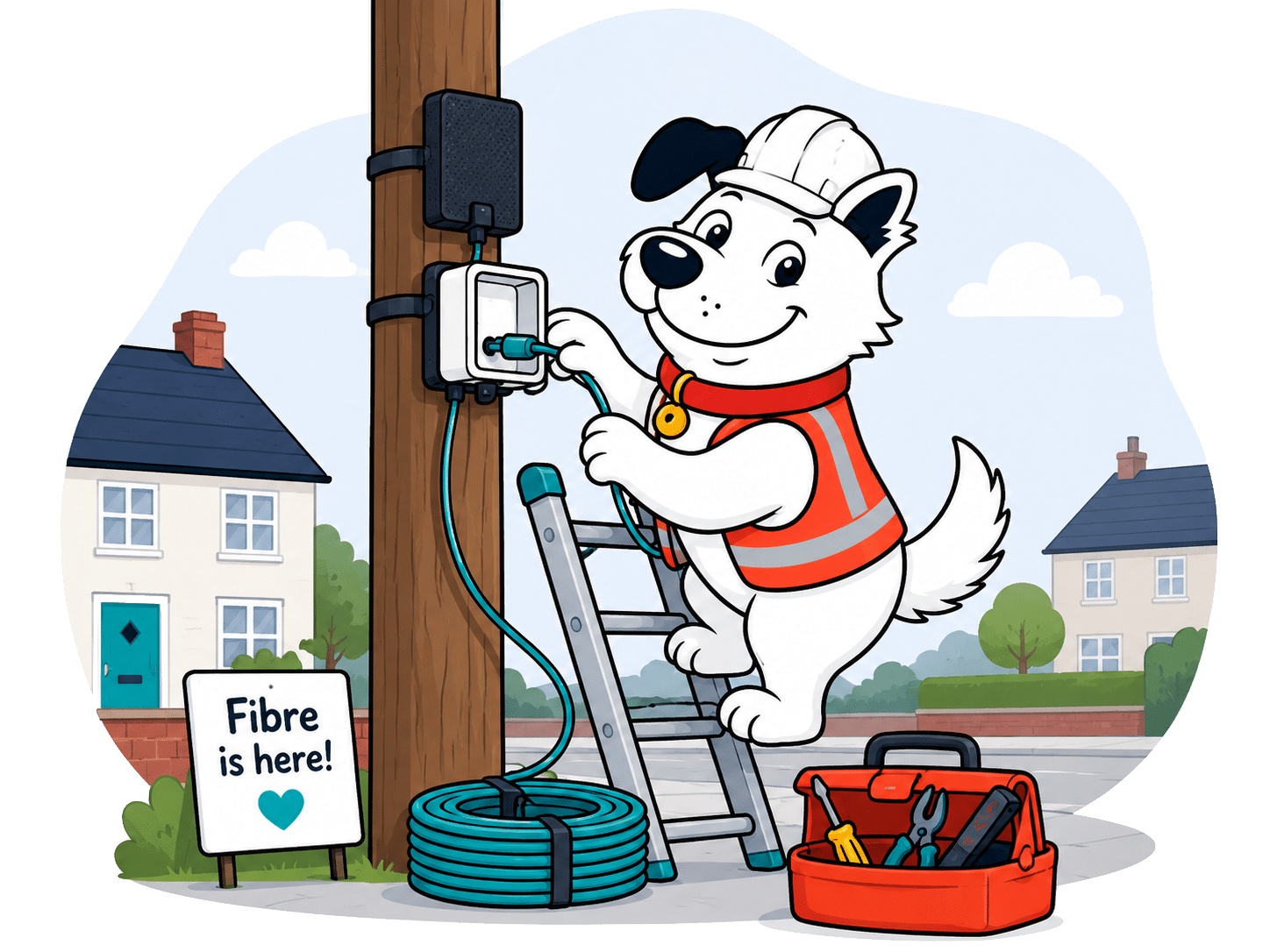
Virgin Media's installation process is a bit different to most other providers, since unlike Sky, BT, EE, TalkTalk and all the rest it doesn't operate on the Openreach network. That makes it less likely you'll already have a Virgin Media line installed and as you might expect, it means Virgin Media gets to do things its own way. Mostly, that's a good thing.
Installation is simple, but with a lot of detail
When you sign up, you will agree an installation date. Note, that's not going to be tomorrow, and it's most likely not going to be next week. 10-14 days is the normal lead time. Once you've agreed a date, there needs to be someone over the age of 18 to be there on that date and at that time if it's a new connection. If there's already a Virgin line coming into your home, you can set things up yourself on the agreed day.
The person who is home during the engineer visit will need to instruct them where to put the external wall box, and by the same token the internal junction box. This will also mean drilling through your wall, so you'll need to either own your home, or have the landlord's permission prior to installation day.
You won't always get to choose, though
Sometimes there's only one sensible place to have Virgin Media's lines coming into your home, and sometimes you're not going to like it. Let's be honest, wires and routers are ugly things, and because a Wi-Fi router cannot be placed inside a box (it kills your Wi-Fi signal), not everyone is going to want a bunch of ugly tech, for example, in the hallway of their Victorian semi.
However, if the equipment cannot be installed because you refuse the proposed location, Virgin says it's not liable, and therefore you won't be able to claim any compensation. Sometimes you'll just have to play the cards you're dealt.
Everything is 'subject to survey'
This means you can sign up for a Virgin Media Broadband package, then find out your property is going to either be impossible to bring a line into, or just extremely tricky, you may find the deal cancelled, or in some cases your appointment day moved to when a specialist team can visit and resolve the issue.
We've experienced this directly ourselves, where Virgin Media was unable to drill through the front wall of the house due to architectural barriers. Routing cables to the back of the house, where the work could be hidden involved a re-appointment and a two-man team. They did a fantastic job, though, it must be said.
Missed visits can be charged both ways
You can cancel your Virgin Media installation appointment all the way up to 12 noon the day before, without penalty. If they show up and you're not there, though, you will be charged a missed appointment fee.
But, this door swings both ways. If you're there all day, waiting around, and they don't show, you'll be entitled to compensation, claimed as credit off your first bill or bills.
The Virgin Media broadband install process
From booking your installation to getting online, Virgin Media sets out what should happen, what can delay it, and when compensation or extra fees may apply.
1. Book
Virgin Media agrees an installation, delivery or activation date with you when you sign up.
2. Check
Your home still needs to be connectable, within Virgin Media’s network area and suitable for installation.
3. Prepare
You need suitable power sockets, working devices and any permissions needed for cable or equipment work.
4. Attend
If an engineer is needed, you or someone you authorise must be at home and aged 18 or over.
5. Install
Virgin Media will try to fit the equipment where you want it, but technical limits may affect the final position.
6. Rearrange
If Virgin Media has to move the appointment, it should agree a new date with you in advance.
7. Claim
If Virgin Media misses an engineer appointment or delays activation, automatic compensation may apply.
8. Avoid fees
If you miss the appointment, or no adult is present, Virgin Media may charge you for the engineer visit.
9. Go live
Your service start date is when your broadband is available to use.
10. Escalate
If delays or faults occur, compensation or fee-free cancellation may apply.
Before your Virgin Media engineer arrives
-
1
Choose your hub spot
Pick where you’d like the hub, but expect Virgin Media to have the final say if the cable route limits things.
-
2
Clear the route
Move furniture, unlock gates and make sure the engineer can reach the outside wall, inside wall and socket.
-
3
Get permission
If you rent, live in a flat or need work through shared space, get the right permission before install day.
-
4
Keep an adult home
Someone aged 18 or over needs to be there for the appointment, or you may be charged for a missed visit.
-
5
Check your first bill
After activation, look for installation charges, missed-visit fees or automatic compensation credits.

Virgin Media installation: A case study
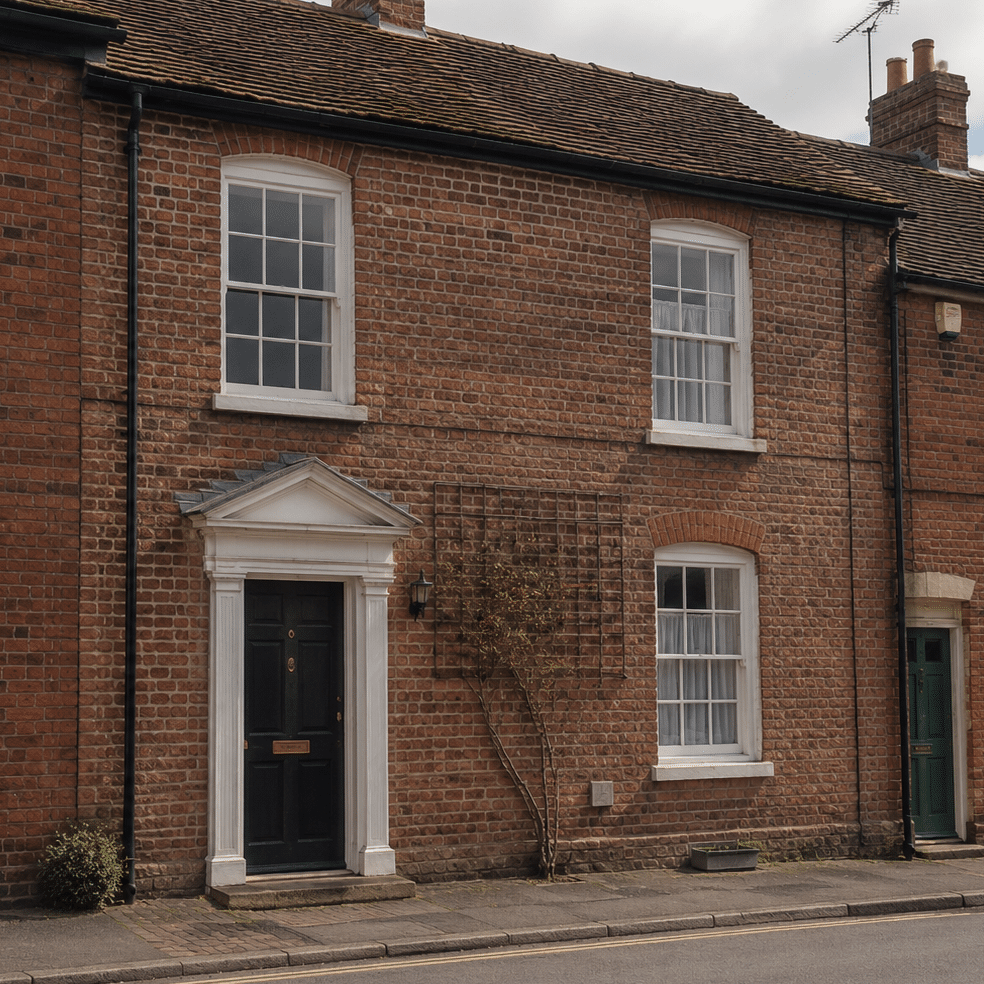
"When we moved into our current home, the property being Grade II listed made the Virgin Media installation less straightforward than usual. The first engineer could not simply drill through the front wall where the cable route would have been easiest, so the job needed a more careful route around the house.
The original visit started with one engineer, but the route needed more cable, ladders and a second pair of hands. There were roofs, obstacles and awkward access points involved, so he called in another engineer with extra equipment rather than giving up or pushing the job to another day.
The good news: Virgin Media stuck with it. The engineers worked through the afternoon, found a workable route and got the connection installed. Most homes will not be this awkward, but it is a useful reminder that surveys, cable routes, permissions and property quirks can all affect installation day."
Virgin Media's installation process has more moving parts than some Openreach-based providers, because it runs its own network and may need to bring its own line into your home. That can make surveys, cable routes and permissions more important, but Virgin does well on the protection side, with automatic compensation available when delays or missed appointments are its fault.
Where would you like to go next?
Installation and compensation score
This score looks at how well you're protected if installation is delayed, an engineer visit is missed, or your broadband can't be installed as planned.
How we calculate this score
This score looks first at compensation protection. Providers score better when they're part of the automatic compensation scheme and when delayed installations or missed engineer visits can trigger automatic payments.
We also look at appointment fairness. It isn't automatically unfair for you to be charged if you miss an appointment, but it matters whether the provider also compensates you when it misses one.
Survey clauses, permission requirements and failed-install cancellation rights are treated as normal parts of fixed-line broadband, not automatic black marks. What matters is whether you're protected if the installation can't go ahead, including whether a refund route exists.
Finally, we look at the whole pattern together: how many protections you get, how many responsibilities sit with you, and whether the provider has a fair process when the install turns out to be more complicated than expected.
See all measurements
Having trouble choosing a broadband provider?
No single best provider or package exists – only the best pick for you personally. Fibredog's YourMatch™ system uses thousands of provider metrics and a lot of maths to find you your perfect match.
Switching from another provider
You may be asking, why talk about this? I sign up, the switch happens, I get it installed and that's that, right? Yes. And no. There's actually a lot more going on under the surface on the provider side than meets the eye, as well as big differences between the way Virgin Media does things specifically and the way everyone else does them.
'One Touch Switch' and broadband buyouts
It used to be more complicated than it is now
Not all that long ago, because Virgin Media isn't on the Openreach network like most other providers, switching both to and from them could be a bit of a pain. With Openreach providers you could just sign up to your new provider and they'd sort out the handover behind the scenes.
Now, though, thanks to Ofcom's implementation of something called 'One Touch Switch' it's now the same with Virgin Media, either switching to them or away from them, you don't need to worry about speaking to your old provider separately.
Virgin Media offers broadband contract buyout
Surprisingly, Virgin Media doesn't really shout about this, but if you leave your old provider early and incur early exit fees, Virgin Media will pay these off for you over the course of your Virgin contract, up to the value of £250.
This is a great incentive to get out of your old contract early, though you need to be aware that doesn't mean Virgin will dump £250 in your lap so you can pay off your fees. You'll have to pay the fees yourself, then you'll gradually recoup them across the full two years of your Virgin Media contract.
You'll have to present proof
If you leave your previous provider early and want Virgin Media to cover the cost of your exit fees, Virgin will, perhaps rather obviously, require proof. This will usually involve you presenting your confirmation letter where your exit fees are listed.
Sources: Virgin Media, All compared providers
COMPARISON CHART
How much will Virgin Media pay to buy you out?
This chart shows which providers currently offer broadband contract buyout, and how much they may pay toward leaving your old contract.
Broadband contract buyout by provider
Maximum buyout amount by provider
Where would you like to go next?
The national average benchmark only includes providers that currently offer broadband contract buyout in our database.
Switching to Virgin Media is easier than it used to be, especially now One Touch Switch means you don't have to speak to your old provider separately. Virgin also offers a generous broadband contract buyout if you want to leave your old provider early, but it's still something you claw back over time rather than money in your hand.
Where would you like to go next?
Switching from another provider score
This score looks at how much help you get when moving from another broadband provider, including contract buyout support, number porting and protection if installation is delayed.
How we calculate this score
This score starts with broadband contract buyout support. Providers score better when they help cover the cost of leaving your old contract, and when the amount, claim window and claim process are useful in real life.
We also look at service continuity. Number porting matters if you still use your landline, and delayed-installation compensation matters because a switch can be painful if your new service isn't ready when expected.
The switching journey itself is judged more lightly, because signing up has its own score. Even so, it helps if you can order online, speak to someone by phone or live chat, and avoid being forced into one route.
Finally, we look at the help available before you commit. Searchable help, clear support routes and human live chat can make it easier to check what happens to your old contract, your number and your installation before you switch.
See all measurementsMoving home
If you're moving home, or thinking you might move some way into taking out a Virgin Media Broadband contract, there are a whole set of rules and caveats you'll need to understand. In this section, we lay it all out, rating Virgin Media on how clear, easy and fair they are both to existing customers moving home, and to new customers who'd ideally like their new connection set up and ready by moving day.
If you’re signing up before moving in
If you’re trying to coordinate your installation at your new address with your move-in date, you should know the agreed installation date isn’t a promise. Sure, Virgin Media will agree a delivery, activation or engineer installation date with you, and says it will try to keep to it, but the property still needs to be serviceable.
That means it must be inside Virgin’s network area, technically possible to connect, safe to work on, and not blocked by awkward cable routes or a failed survey. And since you don’t live there yet, you’ll also need to coordinate all this with your vendors (the folks selling you your new home). This can get tricky.
If you’re already with Virgin Media
If you already have Virgin Media broadband and move home, you need to give at least 30 days' notice if you want your broadband connection transferred. If the new address is in Virgin’s network area, they’ll move your service across.
If it can provide the same service, your existing minimum term carries on rather than starting again. If you need faster broadband or something substantially different at your new address from what you currently have, you may need to sign a new contract, locking you in for another two years.

Virgin Media moving-home checklist
-
1
Check the postcode
Use Virgin Media’s availability checker before assuming your new home can get the same broadband.
-
2
Confirm the package
Ask whether Virgin can provide the same package, a different package or no service at all.
-
3
Give 30 days’ notice
If you’re already with Virgin Media, tell them in good time if you want your service transferred.
-
4
Check the minimum term
If the same service moves across, your current term continues. If the service changes, a new one may apply.
-
5
Keep move evidence
If Virgin can’t serve the new address, you may need proof of your move to avoid or reclaim early disconnection fees.
If Virgin Media isn’t available at your new address
Being in a Virgin Media area doesn’t automatically mean your move will be simple. There may be other problems like local network capacity, or non-standard installation work required.
If Virgin can’t provide its services at your new address, you can cancel without an early disconnection fee. You get out scot-free, which is great on the one hand, but then that does also leave you with the headache of finding a new provider. If you move outside Virgin’s network during your minimum term, an early disconnection fee may initially apply until you provide valid evidence of your new address within the required deadline.
Here they do well because they won’t hold you to your contract if you can’t get Virgin Media at your new address. They’re also happy to install your services before you move in, provided you coordinate the visit either with the estate agent, vendor or landlord. However, according to Virgin's contract, a home move fee 'may' apply – whatever that means. No contract should ever use the word 'may', for obvious reasons.
Where would you like to go next?
Moving home score
This score looks at how easy it is to move your broadband to a new address, and how easy it is to get a brand new service from them pre-installed for your move-in day.
How we calculate this score
This score starts with whether the provider lets you transfer your broadband service when you move home, and if you can have it installed ready for when you move in. If you can move your services across, that gives you a much cleaner route than cancelling and starting again.
We then look at the practical friction: how much notice you need to give, whether a home move fee applies, and whether moving home can start a new minimum term.
The biggest fairness check is what happens if the provider can't serve your new address. Providers score well when they waive early exit fees in that situation, because you shouldn't be trapped in a contract for something you can't receive.
We judge these points together, because some caveats are normal when you move home. What matters is whether the process is clear, manageable and fair.
See all measurementsCancelling your services
This section looks at how easy or hard Virgin Media makes it to cancel your contract both inside and outside of your minimum terms, and what sort of penalties, fees or plain old awkwardness you might expect to experience in the process.
Cancelling is easy, but not instant or frictionless
First thing you need to know is that Virgin Media has a fairly standard 30-day notice period, so you can’t just walk away on the day you decide to cancel. If you’ve decided to cancel, though, Virgin Media does make it fairly easy to do, offering phone, online (via livechat), and even the ability to cancel by post if you’re a masochist.
However, they won’t let you simply click a cancel button in your online account. They’ll want to know why you’re cancelling, and they’ll want to give their retentions team a chance to talk you out of it. That’s pretty standard in the industry, but not as frictionless as we’d ideally like to see.
The best time to get out if you’re not happy is in your first two weeks
If you’ve just signed up, you get a 14-day cooling-off period. It’s the cleanest way to cancel if you’re just unhappy with something because you can just walk away without incurring fees. Virgin Media will want their equipment back, though.
The only catch is that if your services have already started, Virgin can still charge you for what you’ve used thus far, and if installation or activation has already happened, any one-off charges are unlikely to be refunded. Cooling-off periods are useful, but it’s never going to be as clean a getaway as if you cancel before it's even installed.

Leaving mid-contract is going to be expensive
Early-exit fees will often total the entire cost of the remaining months of the contract. While this is fairly standard industry practice it’s hardly consumer friendly.
You can avoid these fees if there’s a fault Virgin Media is unable to fix or if a complaint is ruled in your favour through their ADR scheme, or if Virgin Media raises its prices beyond what’s expected each April. Situations like that are pretty rare though, so the best times to leave remain during the cooling-off period or once your contract ends.
You'll need to return Virgin’s kit
You’ll have a Virgin Media router, its power supply, and potentially a TV box and any WiFi Max Pods you might have added to your package. All of this needs to be returned.
Virgin Media will send you cardboard – a flat-packed box you can pack your bits into. They also include a little plastic spanner for getting your router uncoupled. Then you just peel off the label with your address on it to find a return label underneath. You’ll need to take that to your nearest Yodel drop-off, but there are circumstances where you can request Virgin come and pick it up instead.
Cancelling Virgin Media at a glance
A quick view of the routes, notice periods, fees and equipment-return rules you may need to deal with.
Virgin Media's cancellation policies really aren't all that different from any other national provider. That doesn't mean it gets full marks, though. Because we're always looking at things through the prism of how the entire industry might improve, not just whether the policies of an individual provider are the current standard.
Virgin Media pre-cancellation checklist
-
1
Check where you are in contract
Find your contract end date first, because leaving mid-term is usually where the expensive bits start.
-
2
Work out the likely charges
Check your notice period, any early-exit fee, final bill timing, and whether recent price changes give you a route out.
-
3
Choose your cancellation route
Virgin Media offers phone, online chat and post, but have your account details ready before you start.
-
4
List the kit you need to return
Include the router, power supply, TV boxes and any WiFi Max pods, then wait for the return packaging or label.
-
5
Keep proof until it is closed
Save chat transcripts, cancellation dates, return receipts and your final bill in case anything needs chasing.
Virgin Media gives you the main ways to cancel, including online chat, phone and post, and you get the standard 14-day cooling-off period if you've just signed up. The awkward bits are the same awkward bits you'll see across the market: you need to give notice, you face exorbitant early-exit fees if you need to leave mid-contract, and you need to return the kit or face a non-return fee.
Where do you want to go next?
Cancelling your services score
This score looks at how easy a provider makes it for you to cancel, what it costs when you're still in contract, and how much work you need to do to return equipment afterwards.
How we calculate this score
This score looks at the practical steps you go through when you cancel. We consider whether you can cancel online, by phone or by post, whether you're forced into a phone call, how much notice you need to give, and how clear the cooling-off period is.
We also look at what happens if you're still inside your minimum term. Early-exit fees, the way those fees are calculated, fee caps and future price rises all matter because they decide how expensive it is for you to leave before your contract ends.
Finally, we look at equipment returns. Providers get credit when return packaging, labels, free returns and collection options make the process easier. You lose credit when you have to return kit under unreasonable deadline pressure or face a non-return fee.
See all measurements
Having trouble choosing a broadband provider?
No single best provider or package exists – only the best pick for you personally. Fibredog's YourMatch™ system uses thousands of provider metrics and a lot of maths to find you your perfect match.
Some links on this page may earn us a small commission if you click through and buy. This never affects either what you pay, or our scores and recommendations. If, however, you’d rather bypass affiliate links, use this direct Virgin Media link instead.