
VIRGIN MEDIA ROUTERS AND EQUIPMENT REVIEW
Virgin Media routers review: How good are they?
We’ve put Virgin Media’s routers and equipment under the microscope, and have uncovered and evaluated every possible specification and aspect of the Hub 5 and the Hub 5x.


Having trouble choosing a broadband provider?
No single best provider or package exists – only the best pick for you personally. Fibredog’s YourMatch™ system uses thousands of provider metrics and a lot of maths to find you your perfect match.
Virgin Media routers and equipment scorecard
Six key areas. One overall score. All calculated using our transparent methodology.
Wi-Fi quality
How good the standard routers’ Wi-Fi is in everyday use, looking at specifications, Wi-Fi bands/type, and how many devices they can support.
Wi-Fi range
How far the router’s Wi-Fi should reach around the home, with consideration given to local factors like large homes or thick walls.
Whole-home Wi-Fi
Whether the provider offers a mesh router system or extra help for larger homes, whether it’s good, and whether it’ll cost you extra.
Wired connectivity
How well the router supports Ethernet and wired devices, looking at number of ports, their speeds, and how accessible they are.
Router controls
How much control you get through the app, admin page and any controls you might have on the router itself.
Using your own router
How easily you can use your own third-party router or mesh hardware – whether you can use anything you like or if it’s limited in any way.
Fibredog Router Comparison Tool
Compare this provider's routers with each other, or with any other national provider.
Fibredog Router Range Estimator
Provides a visual mock-up of how Wi-Fi is likely to behave in your home with this provider's routers.
Fibredog Whole Home Wi-Fi Calculator
Calculates whether you need additional mesh routers, how many, and even where you should put them.
Wi-Fi quality
In this section we're going to look at every factor determining the quality of the Wi-Fi experience you're going to get from a Virgin Media router. Right now, those are the Hub 5 or the Hub 5x, depending on whether you live somewhere you can get Virgin's older network (Cable, up to 1.1Gbps, Hub 5), or its new one (XGS-PON, up to 2Gbps, Hub 5x).
Key differences
Different rear connections
The Hub 5 has a coaxial (thick, round) cable connection at the back, similar to how old-fashioned TV aerials plug into your TV. The Hub 5x has an XGS-PON port (Virgin's own brand of Full Fibre) that has a much thinner cable that's a bit easier to manage. Which you get doesn't depend on the package you choose, it depends on which network serves your street.
No modem mode on the 5x
Virgin's Modem Mode allows you to essentially turn off the Wi-Fi network and let your own router do it instead. This can be useful as it prevents you adding another unnecessary Wi-Fi network when you attach your own router to it. It's not essential, though. You can still plug your own router into the 5x and have it as your main home Wi-Fi network – it's just it will overlap with the 5x's existing one. It's only slightly less than ideal and not something you should really worry about.
Self-installation
We've marked the 5x as not self-installable. That's because Virgin's newest network is still rolling out, so it's quite unusual right now for you to already have that version of the network running into your home. In a few years, we expect the 5x to be self-installable for people with Virgin's latest network already fitted, but for now an engineer visit is going to be needed in the vast majority of cases.
Sources: Virgin Media, Sagemcom
INTERACTIVE TOOL
Compare routers from any provider
This provider’s routers are pre-selected for comparison with one another. However, you can use this tool to compare any router from any major provider using the dropdown menus below.
| Feature | Choose router | Choose router |
|---|---|---|
| Fibredog rating | — | — |
| Router included as standard | — | — |
| Router manufacturer | — | — |
| Router model | — | — |
| Wi-Fi standard | — | — |
| Wi-Fi bands | — | — |
| 2.4GHz supported | — | — |
| 5GHz supported | — | — |
| 6GHz supported | — | — |
| Beamforming | — | — |
| Antenna count | — | — |
| Maximum connected devices | — | — |
| Stated coverage | — | — |
| Total Ethernet ports | — | — |
| MU-MIMO | — | — |
| OFDMA | — | — |
| WPA3 security | — | — |
| Guest network | — | — |
| Antenna type | — | — |
| Gigabit Ethernet ports | — | — |
| 2.5Gb Ethernet ports | — | — |
| 5Gb Ethernet ports | — | — |
| 10Gb Ethernet ports | — | — |
| WAN port speed | — | — |
| USB ports | — | — |
| Telephone ports | — | — |
| ONT Ethernet input | — | — |
| Coaxial input | — | — |
| Power connection | — | — |
| Mesh support | — | — |
| Provider mesh product | — | — |
| Third-party router use | — | — |
| Modem mode | — | — |
| Compatible broadband technology | — | — |
| App management | — | — |
| Parental controls | — | — |
| QoS | — | — |
| Automated QoS | — | — |
| Device prioritisation | — | — |
| Anti-bufferbloat controls | — | — |
| Manual queue management (SQM/CAKE) | — | — |
| Smart channel selection | — | — |
| Security features | — | — |
| Gamer mode | — | — |
| Game traffic prioritisation | — | — |
| Gaming QoS profiles | — | — |
| Server ping routing tools | — | — |
| Latency dashboards | — | — |
| Per-device gaming presets | — | — |
| Gaming VPN routing features | — | — |
| Work from home mode | — | — |
| Automatic firmware updates | — | — |
| Firmware update notes | — | — |
| Router height | — | — |
| Router width | — | — |
| Router depth | — | — |
| Router weight | — | — |
| Power consumption | — | — |
| Router orientation | — | — |
| Wall mountable | — | — |
| Router colour | — | — |
| Self-installation | — | — |
| Browser admin interface | — | — |
| WPS | — | — |
| Status light control | — | — |
| Reset button | — | — |
| Wi-Fi on/off button | — | — |
| Where would you like to go next? | See all tools | See all tools |
Virgin Media has two networks
Virgin cable areas
You get the Hub 5.
This is Virgin Media’s main network. If your street uses it, the Hub 5 is the router supplied.
Virgin Full Fibre (XGS-PON) areas
You get the Hub 5x.
Some newer areas use Virgin’s XGS-PON Full Fibre network. If your address is on that network, you get the Hub 5x.
Your address decides
You do not choose between them.
Virgin Media checks your address, then supplies the service and router that match the network available where you live.
Wi-Fi quality on the Hub 5
So where does this leave us? Well, features and stats are one thing, but in the real world, the Hub 5 is neither the greatest router there is, nor is it the worst when it comes to providing a quality Wi-Fi experience. It's mid.
Providers are bound by what they can provide to you for free at a reasonable price. There are bigger, rangier and more capable beasts out there if you have the money to add your own router and are prepared to spend serious money. But by the same token, the Hub 5 is likely to impress you if you're living in a reasonably sized home.
And even if you're living in something much bigger than average, Virgin Media allows you to add on so-called 'mesh devices' (because they form a mesh with your Hub 5) to reach any blind spots in your home. Some providers offer mesh systems for free, though. And with Virgin Media, they're only free if you opt for the highest speed packages.
Ultimately, the Hub 5 is perfectly adequate for most homes, with some caveats.
Wi-Fi quality on the Hub 5x
The biggest surprise with the Hub 5x is that Virgin Media didn't opt for a radical upgrade to the Hub 5. Since the 5x was initially only offered on its Gig2 packages, it really should have been a router designed to offer everything to those who like to be on the cutting edge – so-called 'power users'.
Instead, it is in most ways the same router as the Hub 5. Sure, its fastest LAN (wired internet) port is 10Gbps instead of 2.5Gbps as on the Hub 5. But there is no evidence the Hub 5x serves more concurrent devices, delivers faster Wi-Fi generally, or offers more range.
Not only that, the Hub 5x's lack of a modem mode may leave a lot of people feeling like they're getting the worse of the two. A lot more people will want to exclusively pipe their internet to a router they bought to handle the Wi-Fi than can make use of a 10Gbps LAN port.
We strongly suspect a successor to the 5x won't be long coming, and with it we'll see a step up to faster Wi-Fi 7, more power, more range and able to handle more devices. Till then, there's not much to choose between the two.
INTERACTIVE TOOL
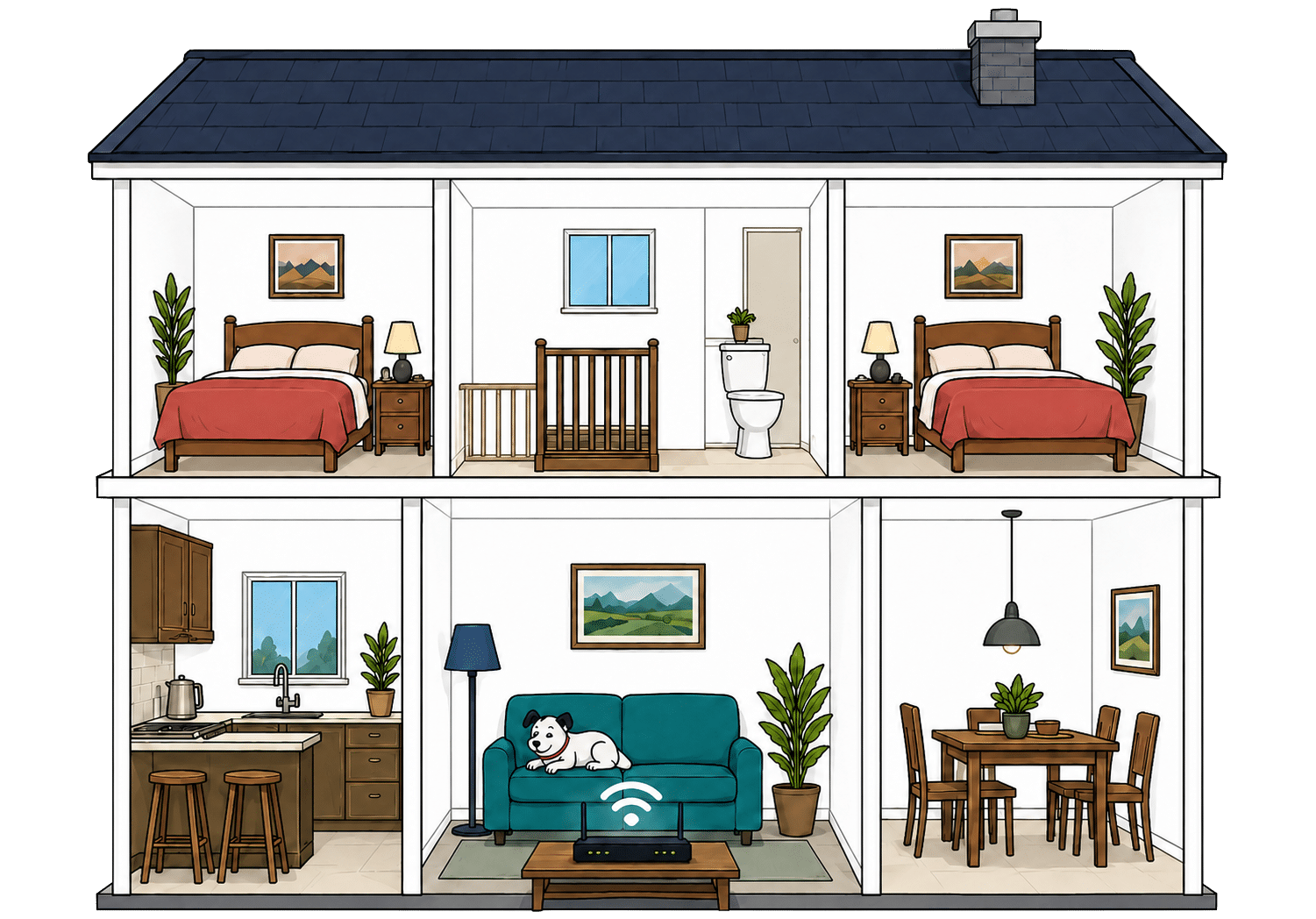
Router range estimator
See how wall materials and router choice affect the quality of Wi-Fi around a typical home.
Where would you like to go next?
How to use the Router Range Estimator
It’s pretty straightforward. Select the router from this provider, and the main construction materials of your internal walls on the left. It’s important to remember, though, that this is an estimator.
It can give you a rough idea, but local factors like neighbouring network interference or mixed material wall set-ups can mean the results vary considerably from the estimate. It’s meant to give you a rule of thumb and only that.
How to maximise your Virgin Media router's range
-
Place it centrally
Put the router as close to the middle of your home as you can, out in the open and away from thick walls.
-
Measure each room
Use a speed test in every room and note where the signal drops. Our Whole Home Wi-Fi Calculator tool further down this page is designed to do this exact job.
-
Check the channel
Virgin Media routers switch channels automatically, but not always perfectly. Check whether a busier channel is hurting performance.
-
Clear obvious blockers
Keep it away from TVs, metal objects, mirrors, cupboards and appliances. Small obstructions can make a big difference.
-
Fine-tune and retest
Move it a little, raise it slightly, restart it, then test again. If weak rooms remain, you may need to add Virgin WiFi Max to your package.

Faster Wi-Fi has shorter legs
Wi-Fi behaves exactly like sound. Ever notice how you hear the bass (the low frequencies) a few rooms away, but can't hear the treble (the high frequencies)? It's the same here. The higher the frequency, the more detail there is in the signal, but the lower frequencies make it through far more walls.
That's the exact difference between Wi-Fi bands. 2.4GHz is the slow old workhorse: not glamorous, not especially quick, but better at reaching the awkward room at the back. 5GHz is faster and better for streaming, gaming and newer devices, but it gives up sooner as you move away from the router.
Virgin Media’s current routers are Wi-Fi 6, not Wi-Fi 7: that is not automatically a bad thing for range. Wi-Fi 7 can be faster at short range, especially when 6GHz is involved, but the really fast stuff is more like a Lamborghini car than a Lamborghini tractor: Brilliant on a clear road, but much less so once there are obstacles.
Having trouble choosing a broadband provider?
No single best provider or package exists – only the best pick for you personally. Fibredog's YourMatch™ system uses thousands of provider metrics and a lot of maths to find you your perfect match.
Wired connectivity
Most households will care about the Wi-Fi and nothing else, and that’s completely fair. It’s tricky to hook up every device in your network with a LAN port directly to your router via a cable, and in most scenarios totally not worth it.
However, for those of you planning to plump for either Gig1 or Gig2, those wired LAN ports are going to be the only way you’re going to be able to use all of the available speed to, for example, download a giant videogame. So it’s worth considering what connections Virgin Media’s routers have and what sort of speeds you can expect.
The Hub 5 and Hub 5x have different ports
This is actually one of the big differences between Virgin’s routers. The Hub 5 has one 2.5Gbps port and three 1Gbps ports, while the 5x has one 10Gbps port and three 1Gbps ports.
Right now this makes no practical difference whatsoever, since Virgin Media’s top speed is 2Gbps with the Gig2 package. It does, however, mean the 5x is technically more future-proof. We say ‘technically’ because by the time speeds exceeding 2.5Gbps become common, we will likely be three generations of routers down the line.
Cabled (LAN) connections are less useful than Wi-Fi
Let’s say you did have a bunch of devices you wanted to connect directly to your router to avoid your speeds being limited by slower Wi-Fi. How would that work practically?
Unless you’re prepared to have a LAN network wired into your house, or have cables spilling everywhere, you’re going to be limited to one device being able to reach the router physically via a cable, and it’ll have to be in the same room as the router.

How a simple wired Virgin Media network works
Plugging devices directly into your router gives them a steadier connection than Wi-Fi. These router diagrams show the physical Ethernet ports, including any ONT or internet port used by the broadband connection itself.
Check which port is the internet input before counting how many wired device ports you have spare.
Use the fastest spare LAN port for the device or switch that needs the most speed.
Both routers have ports for a digital landline
Perhaps more practically, you do get two ports on each of Virgin’s routers for plugging in a digital landline. Of course, you will have to bolt a landline onto your package, since Virgin Media no longer supplies a landline as standard.
If you need multiple handsets throughout the house, you’ll need to buy a separate multi-handset cordless DECT phone system. These can be bought from providers like BT, or from your more traditional electronics manufacturers, like Panasonic.
A system like this basically has one base station, which plugs into one of the telephone ports on your Hub 5 or Hub 5x, and then other handsets in the system can be put in other rooms, communicating with the base station via your home Wi-Fi network. This is definitely one area where things are absolutely not as simple as they used to be.
How to make best use of your Hub 5 or Hub 5x LAN ports
-
Start with the fast port
Both routers have one faster LAN port. Use it for the device where a wired connection matters most.
-
On Hub 5, don’t overthink it
The 2.5Gbps port is already faster than Virgin Media’s Gig1 cable broadband, so the real-world benefit is usually tiny.
-
On Hub 5x, Gig2 changes things
If you have Gig2, the 10Gbps port can help a wired device get more of that speed than a standard 1Gbps port can.
-
Use the standard ports freely
The three 1Gbps ports are still plenty for TVs, consoles, printers and most home office kit.
-
Only add extra kit if you need it
If you want more wired devices in more rooms, you’ll need extra networking kit or cabling around the home.
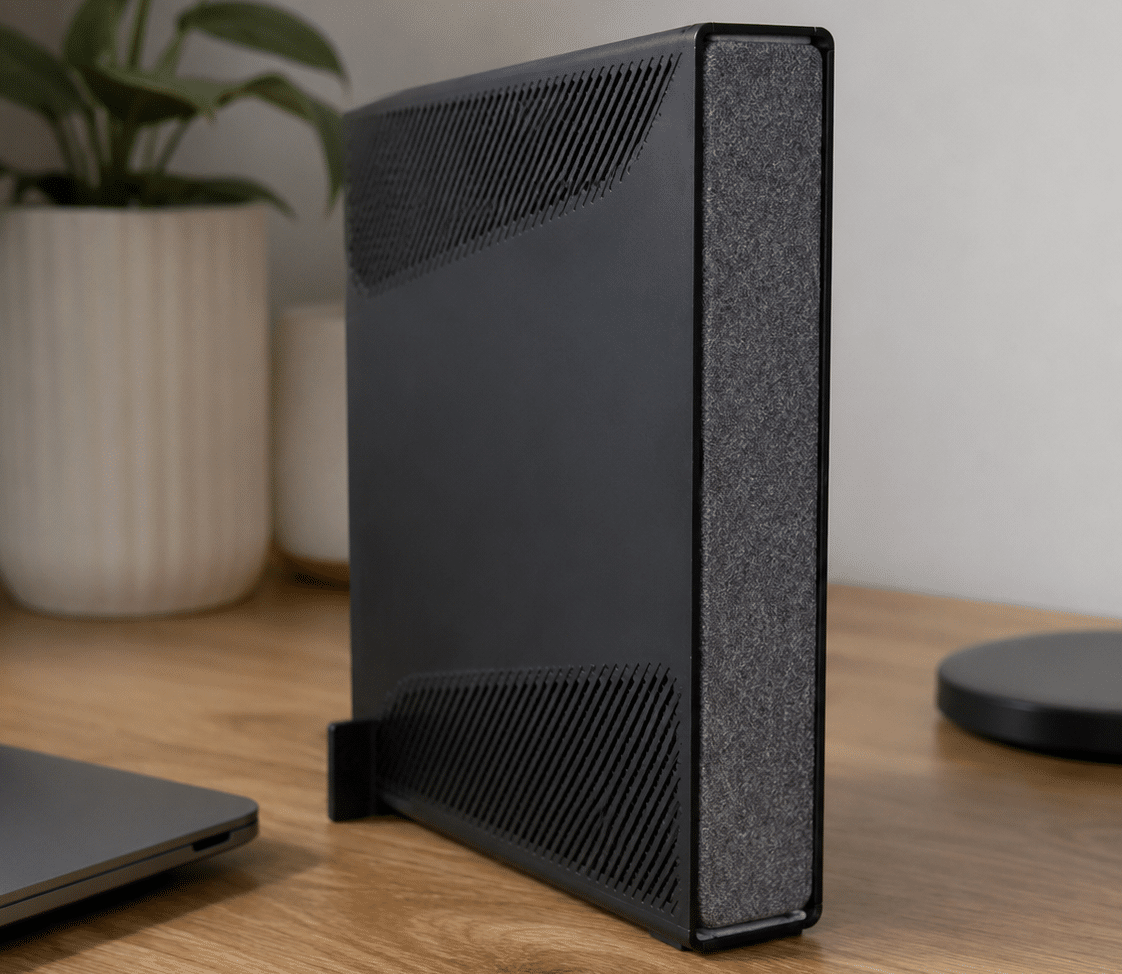
What changes when you use your own router?
Your Virgin Media hub still connects to the line coming into your home, but passes it on. Your own router then takes on Wi-Fi duties.
Does all the Virgin stuff
It still automatically updates and does all the communicating required with Virgin central.
It’s the part Virgin Media recognises and manages, so you can’t take it out of the chain completely.
Supplies your Wi-Fi
Your own router will handle the Wi-Fi, device control, guest access and other stuff.
They can make a big difference in larger homes, busy households, or setups that need to deal with a lot of connected devices.
Having trouble choosing a broadband provider?
No single best provider or package exists – only the best pick for you personally. Fibredog's YourMatch™ system uses thousands of provider metrics and a lot of maths to find you your perfect match.
Some links on this page may earn us a small commission if you click through and buy. This never affects either what you pay, or our scores and recommendations. If, however, you’d rather bypass affiliate links, use this direct Virgin Media link instead.
